
 Guide
Guide
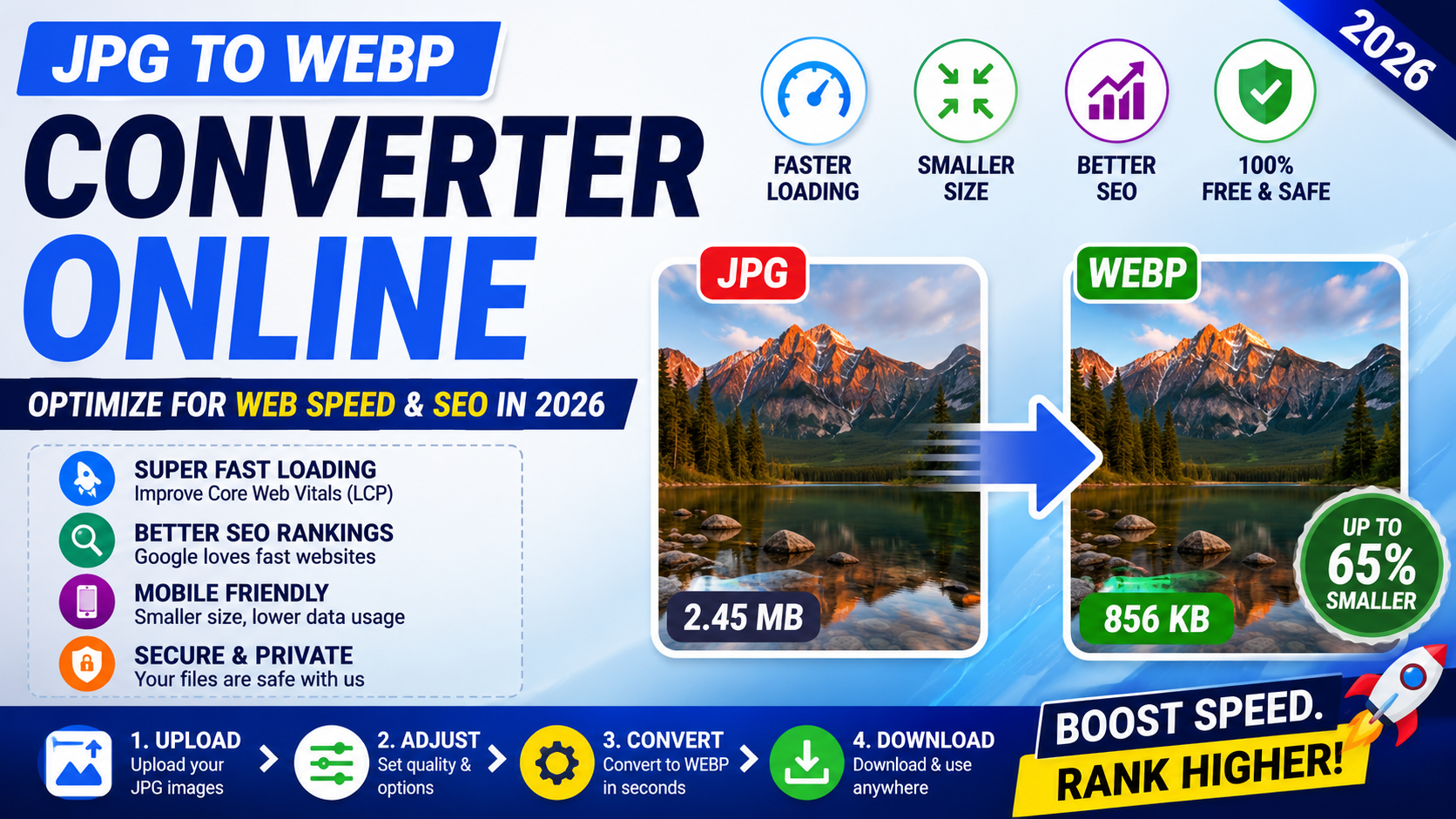
JPG to WebP: Reduce Bytes Without Guessing at Quality
A useful JPG-to-WebP conversion compares real bytes and visible quality instead of promising one fixed saving for every photo.
Read article
Practical walkthroughs, format explainers, and safer ways to use online tools. Find the answer you need, follow the steps, and move on with confidence.
10 articles shown on this page
Guide
A useful JPG-to-WebP conversion compares real bytes and visible quality instead of promising one fixed saving for every photo.
Read article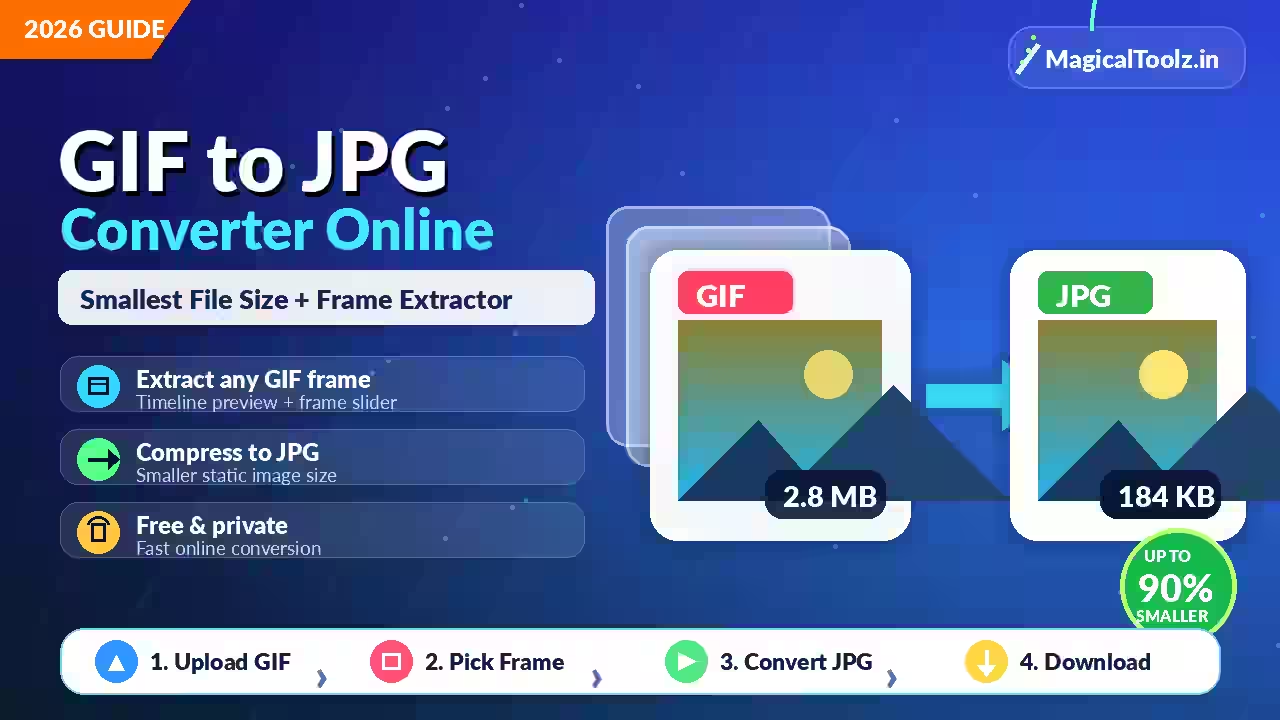 Guide
Guide
JPG stores one still image, so converting an animated GIF starts with choosing which frame you actually need.
Read article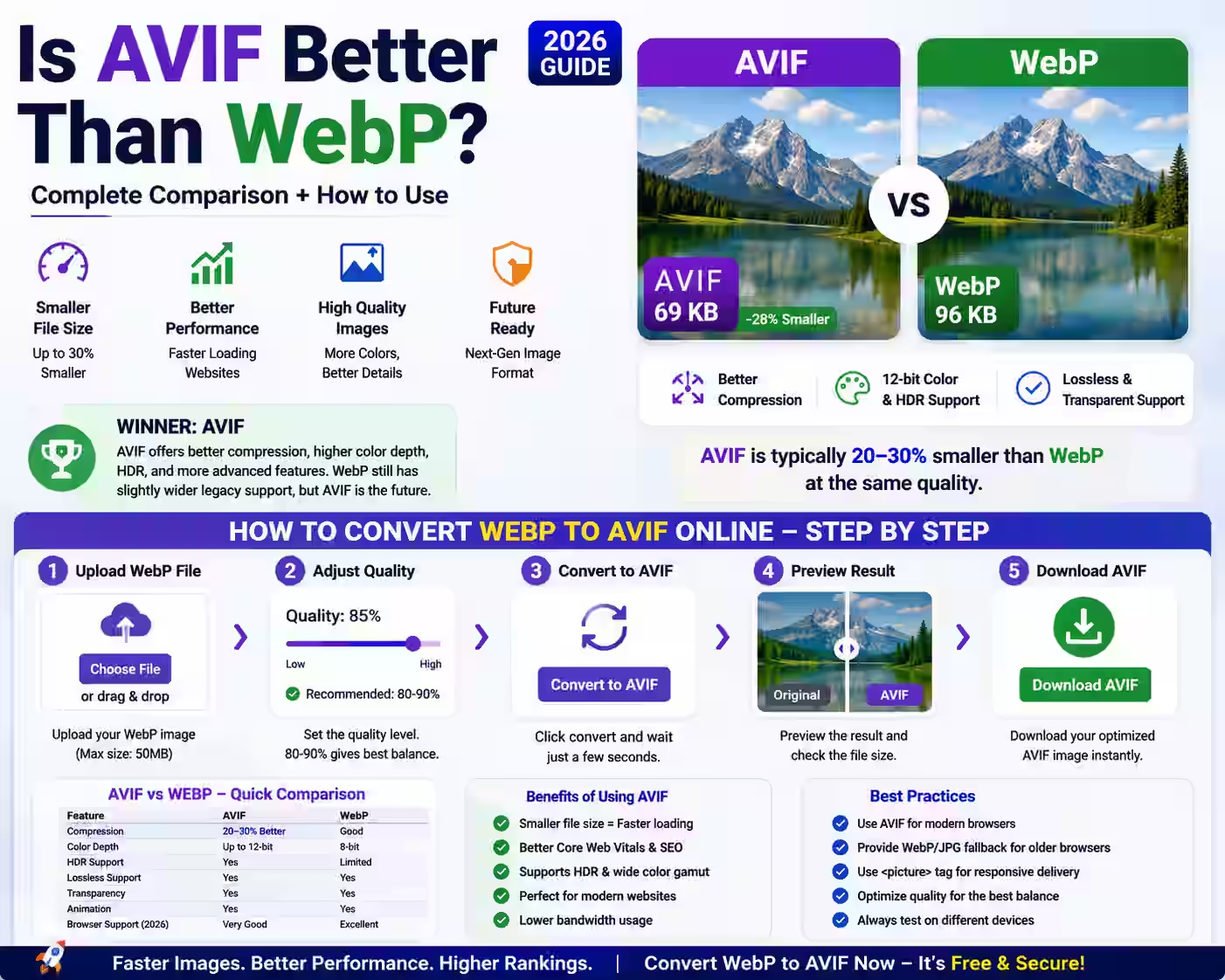 Guide
Guide
This guide explains whether AVIF is better than WebP for modern website image optimization in 2026. It compares AVIF and WebP based on...
Read article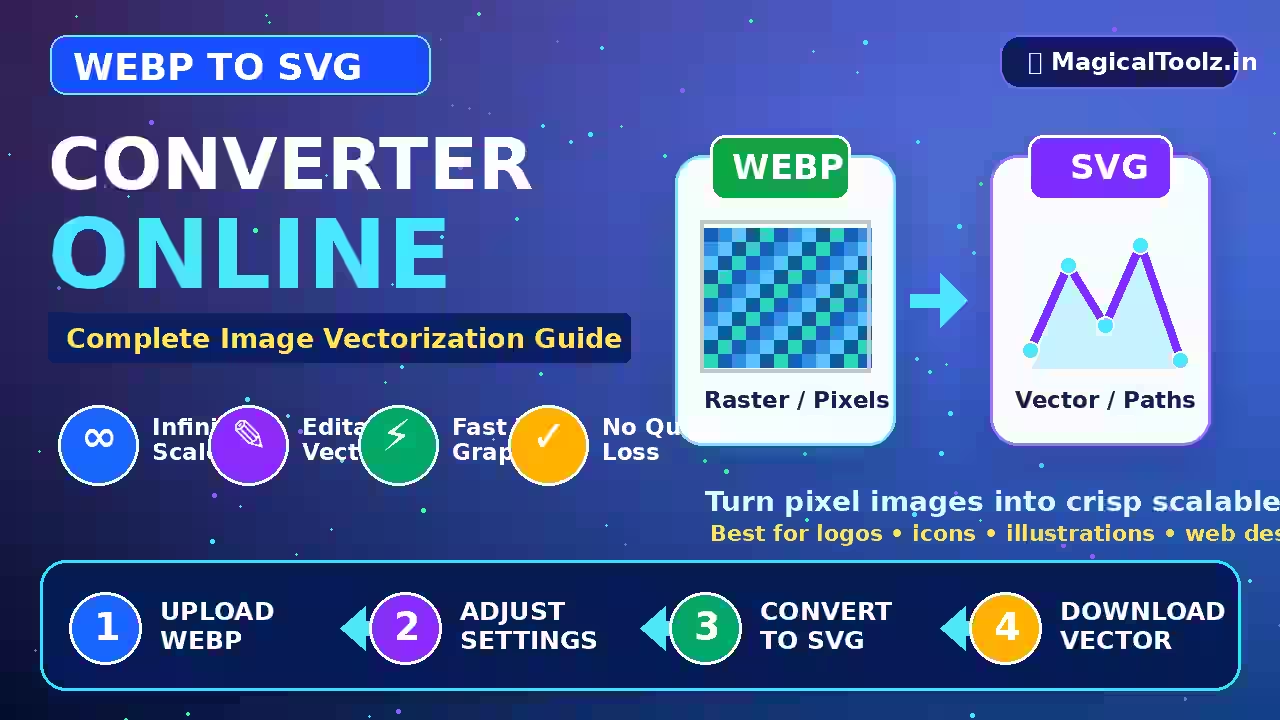 Guide
Guide
This guide explains how to convert a WEBP image to SVG using a free online vectorization tool. It covers the difference between WEBP a...
Read article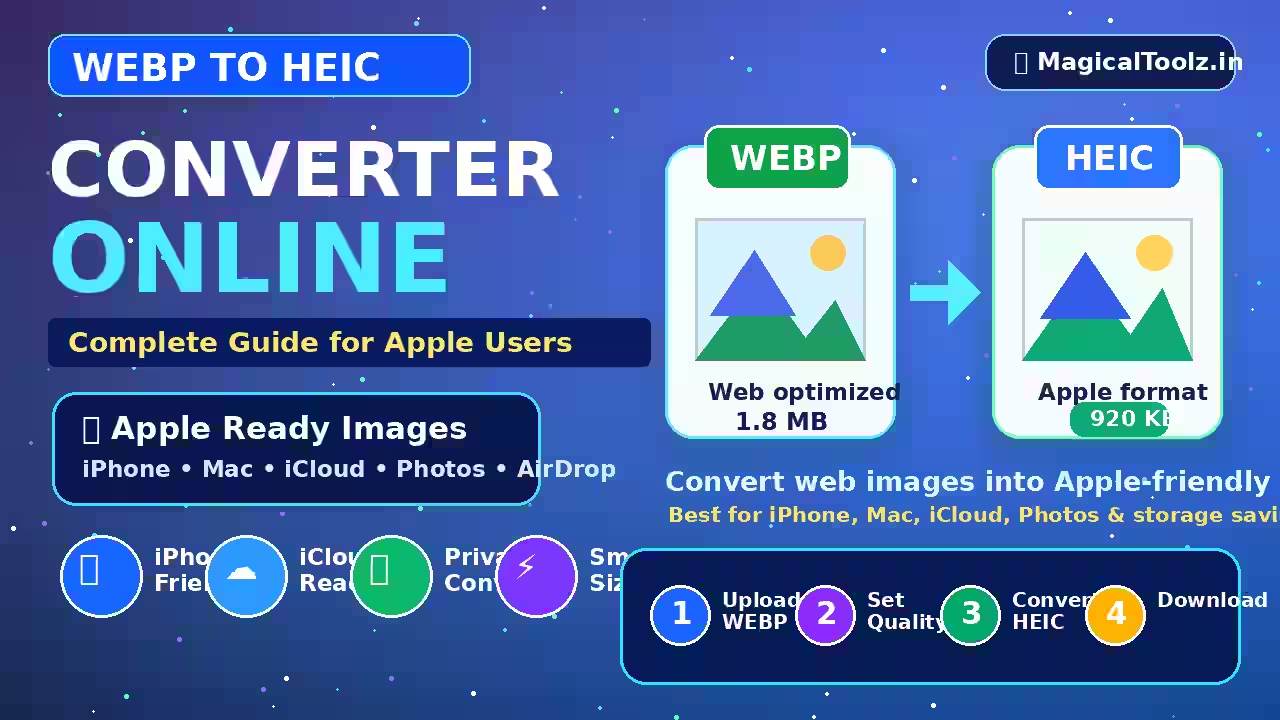 Guide
Guide
The current Magical Toolz converter cannot decode HEIC, so use a verified HEIC-capable app before creating a WebP delivery copy.
Read article Guide
Guide
A proper WebP to GIF conversion must keep or create frames, copy timing intentionally and handle GIF color and transparency limits.
Read article Guide
Guide
JPG adds lossy compression and cannot keep WebP transparency, so choose the background and inspect the downloaded file.
Read article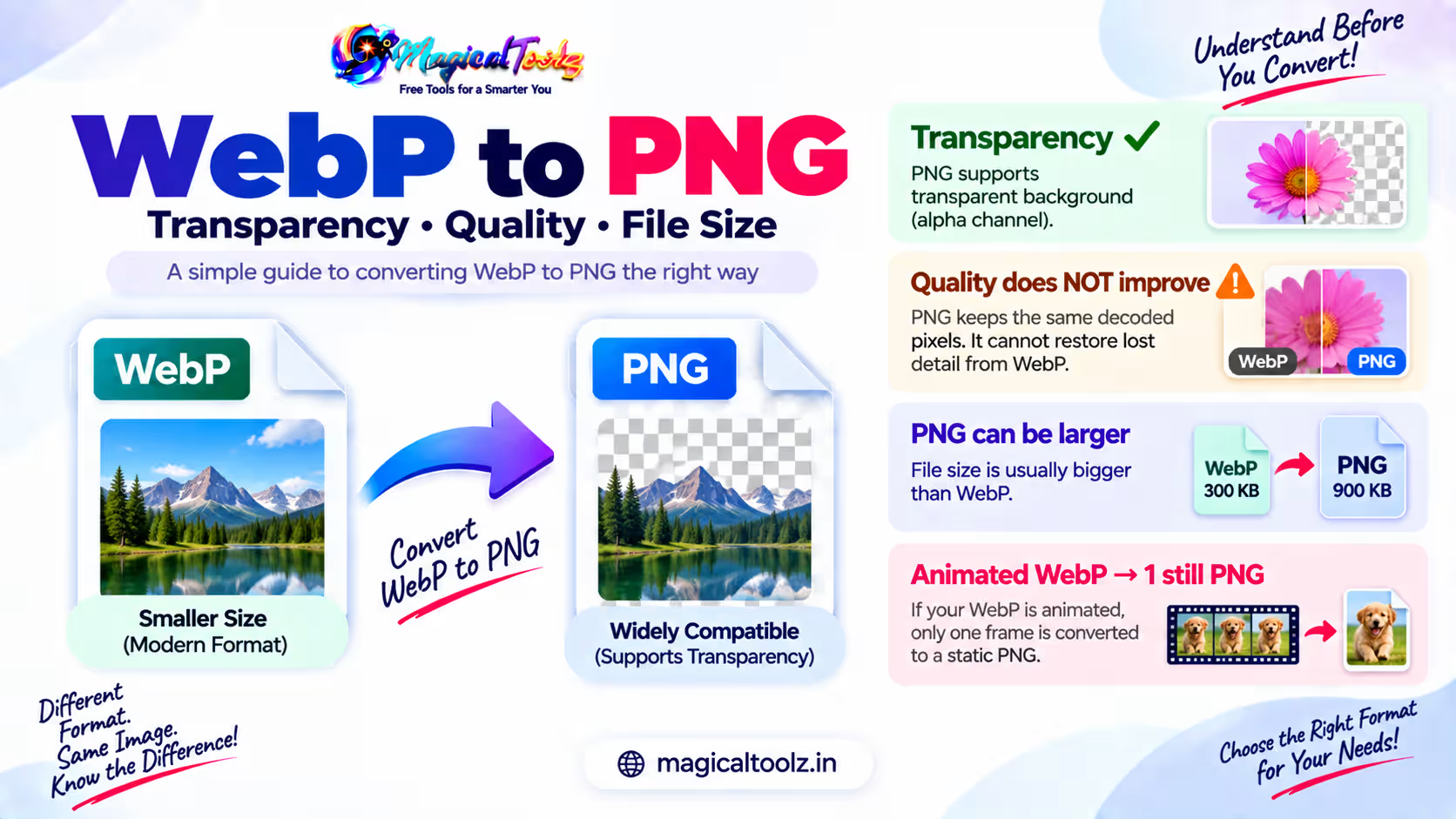 Guide
Guide
PNG can store decoded WebP pixels without another lossy save, but it cannot recover detail removed by earlier compression.
Read article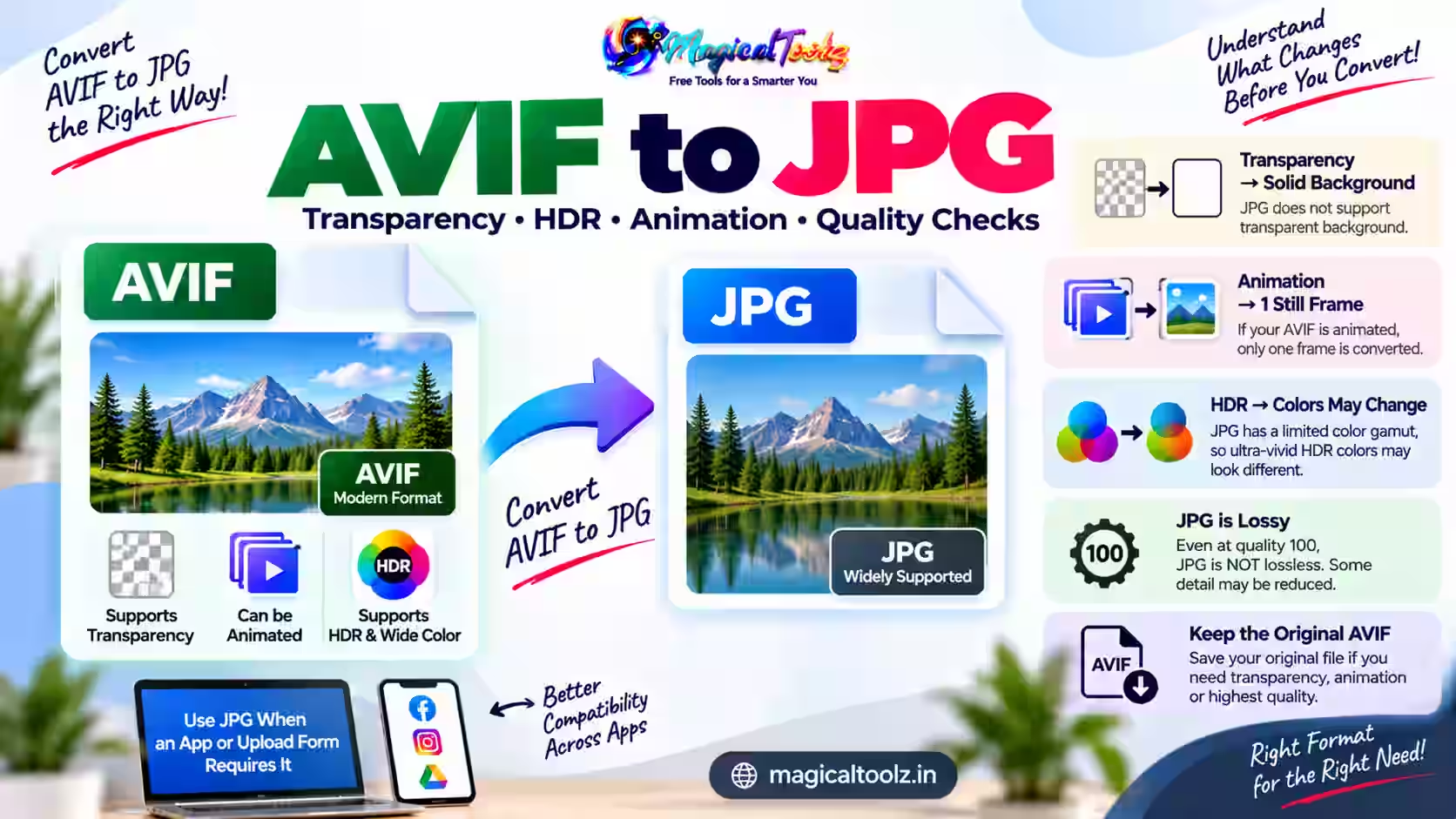 Guide
Guide
JPG is a simpler still format, so AVIF transparency, animation and high-range color need attention before conversion.
Read article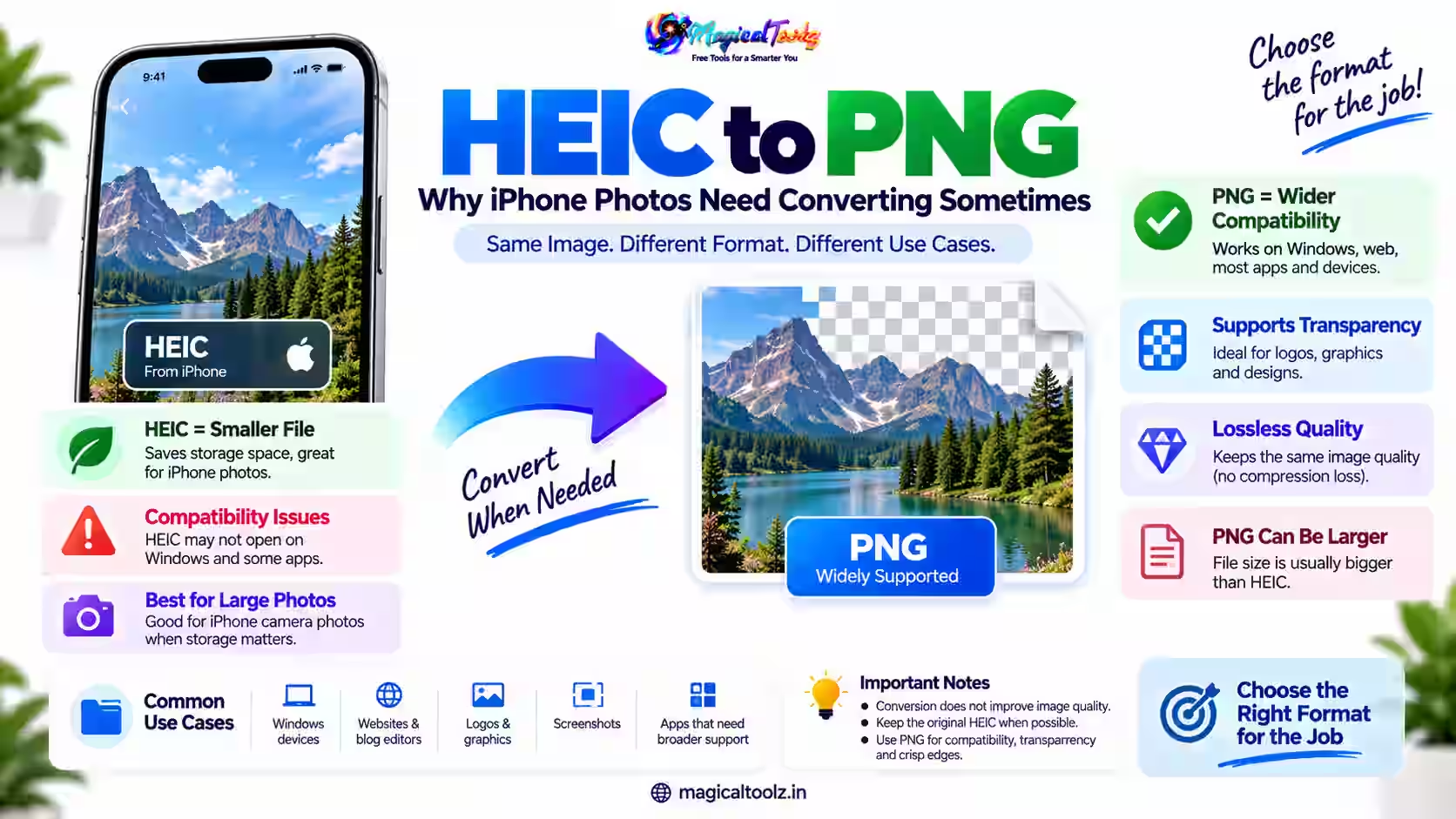 Guide
Guide
Use iPhone Preview for an explicit JPEG export, Photos sharing options for compatibility, or a Shortcut for repeated conversions.
Read article Magical Toolz AI Support
Tell us which tool you need and we'll consider adding it.