
 Guide
How to Save an HEIC Photo as JPG on iPhone
Use iPhone Preview for an explicit JPEG export, Photos sharing options for compatibility, or a Shortcut for repeated conversions.
Read article
Practical walkthroughs, format explainers, and safer ways to use online tools. Find the answer you need, follow the steps, and move on with confidence.
10 articles shown on this page
Guide
Use iPhone Preview for an explicit JPEG export, Photos sharing options for compatibility, or a Shortcut for repeated conversions.
Read article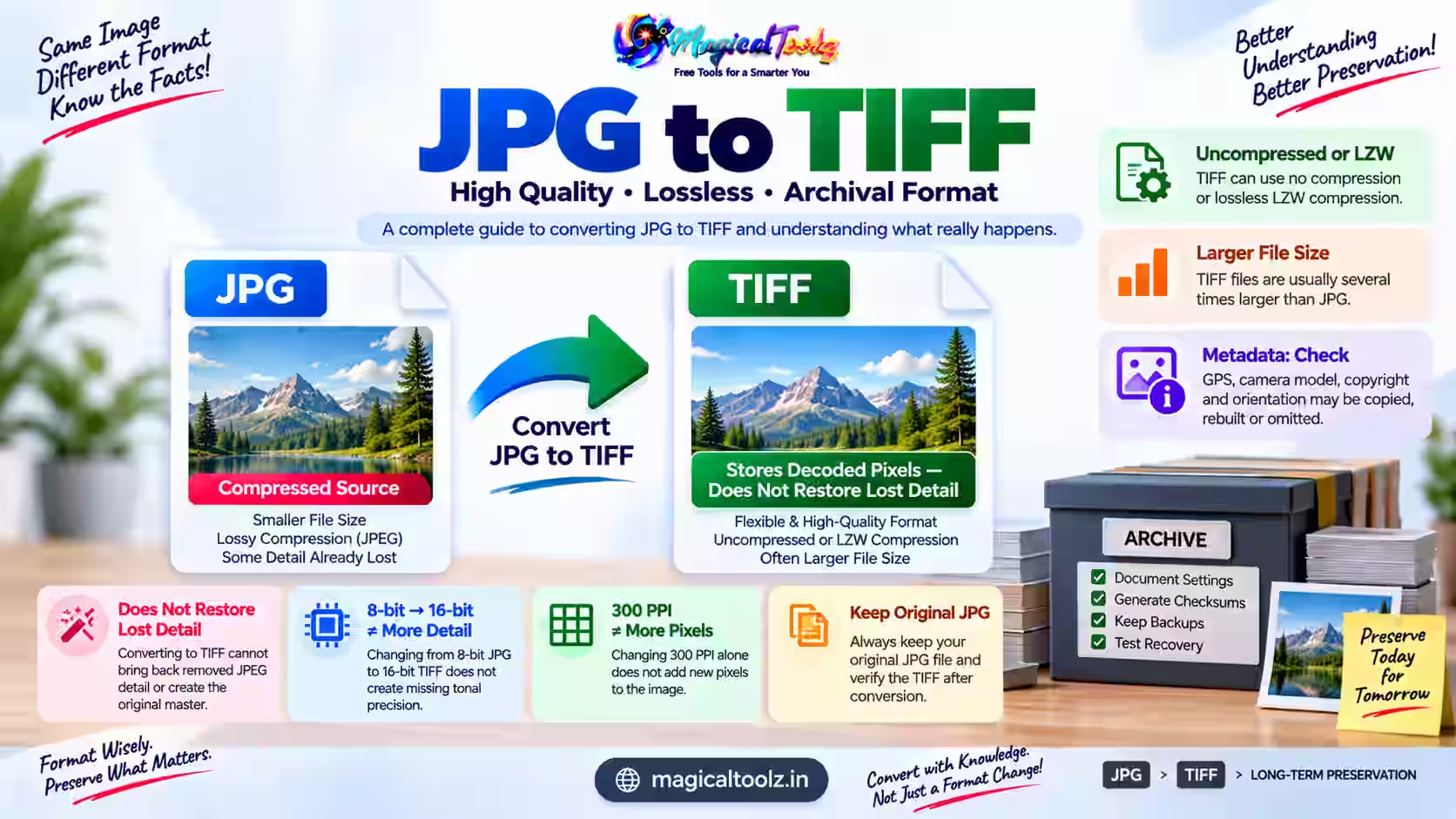 Guide
A TIFF copy can avoid another JPEG save, but it cannot restore detail already removed from the source JPG.
Read article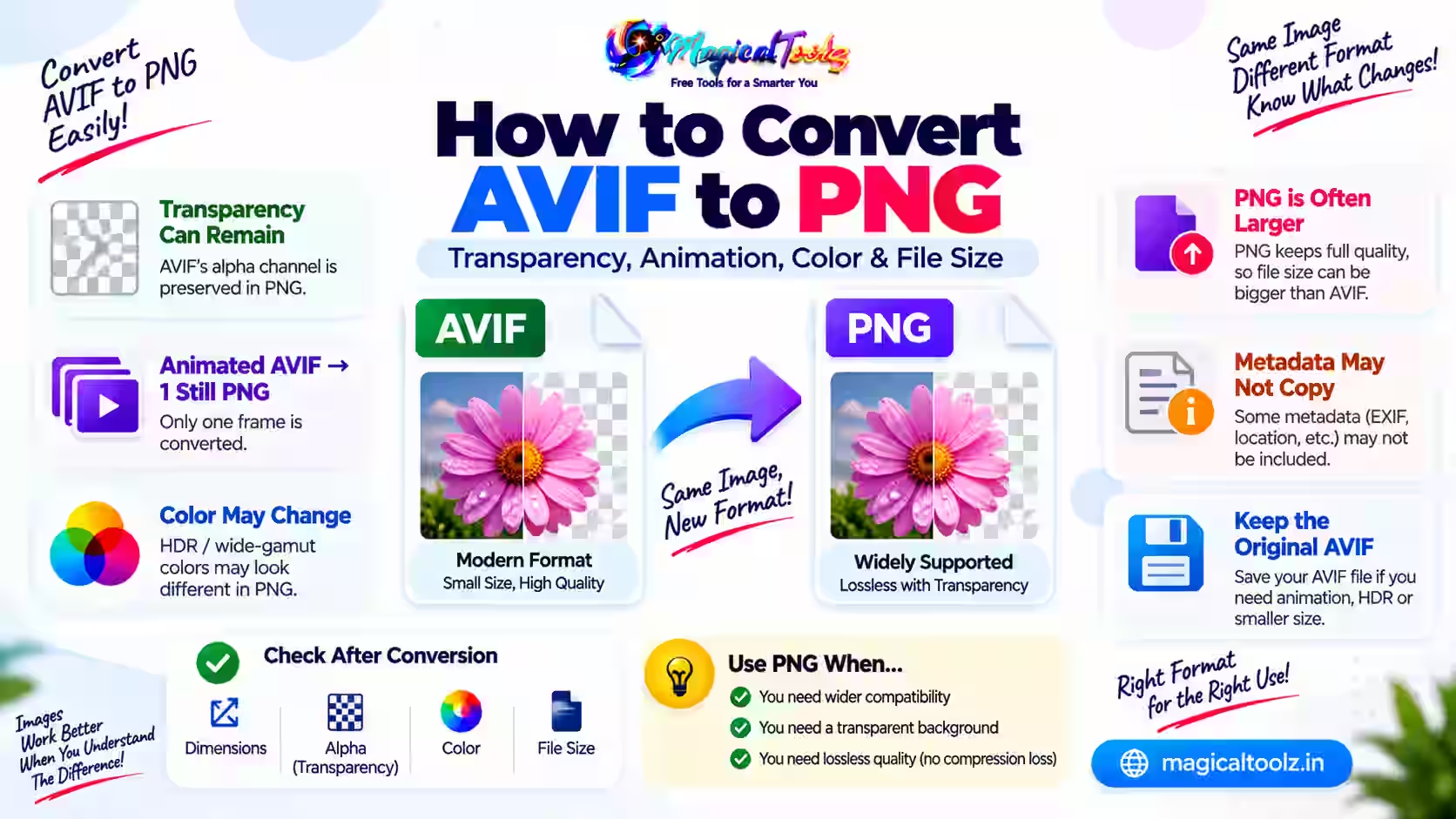 Guide
PNG can preserve a still AVIF alpha channel, but animation and high-range color need separate checks.
Read article Guide
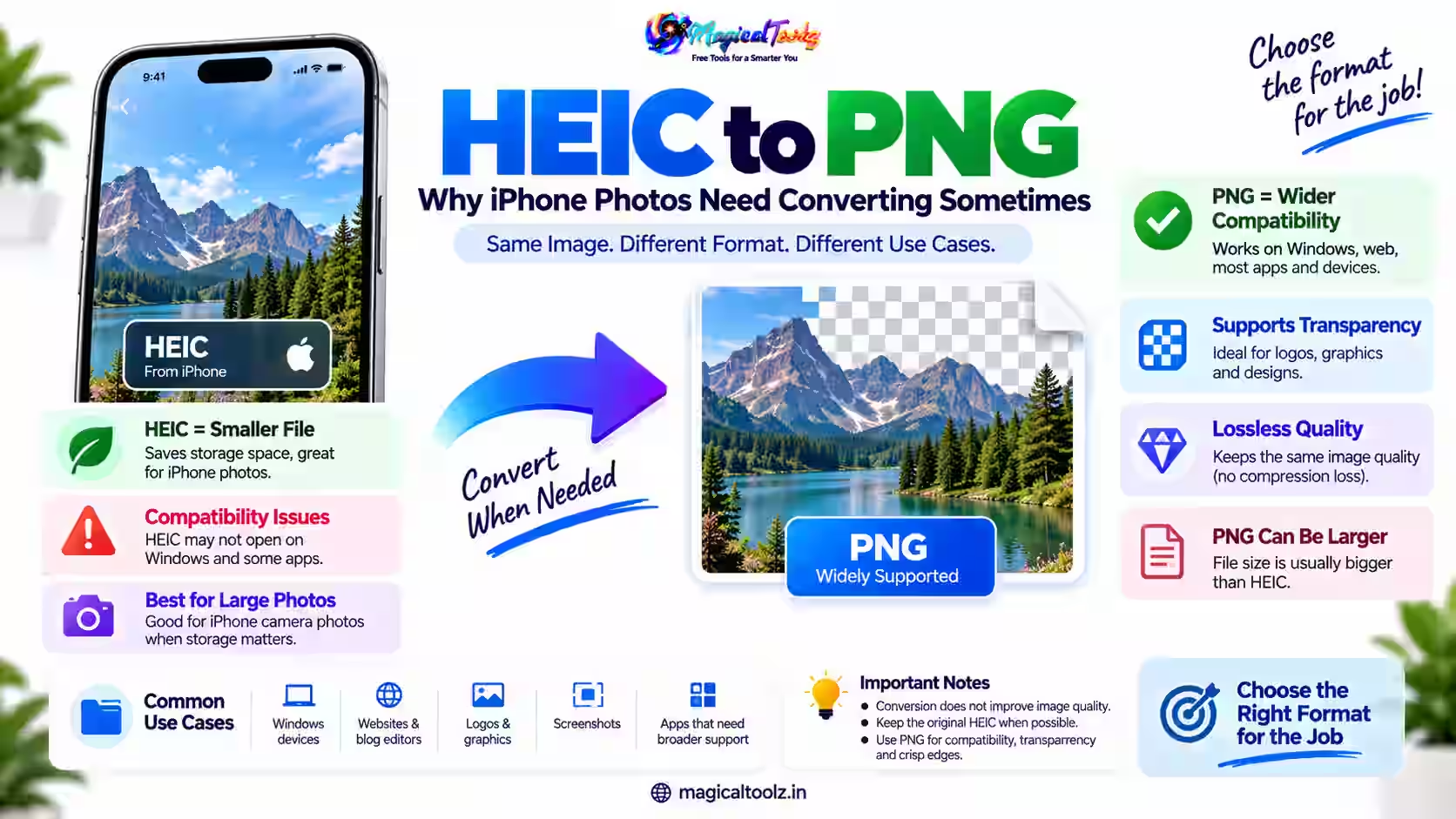
HEIC is fine on Apple devices, but it still trips people up elsewhere. Here's why you might convert it to PNG, and when PNG is the bet...
Read article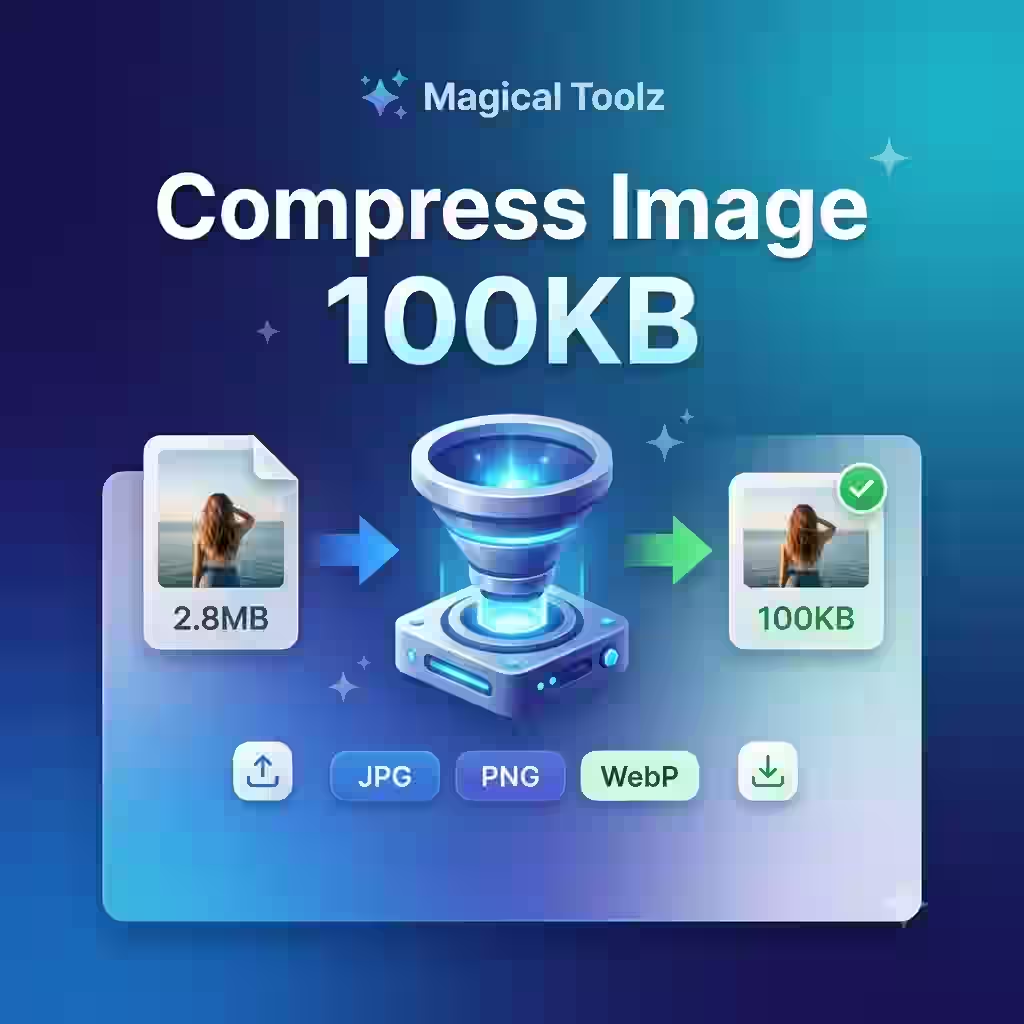 Guide
Compress image to 100KB online for free using Magical Toolz. Reduce JPG, PNG, JPEG, and WebP image size quickly for online forms, pass...
Read article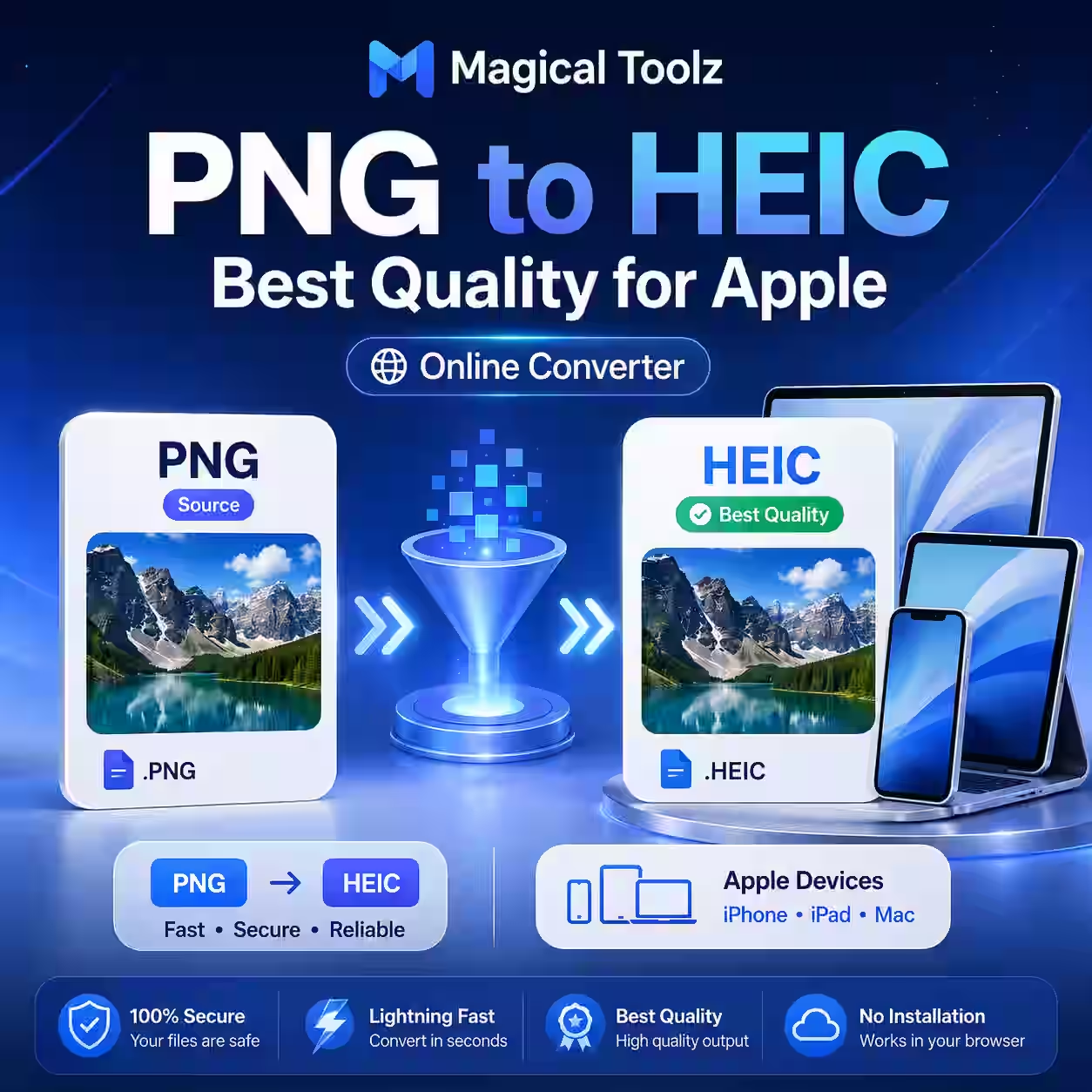 Guide
Magical Toolz does not currently encode HEIC, so use a verified HEIC-capable application and keep the original PNG.
Read article Guide
 Guide
 Guide
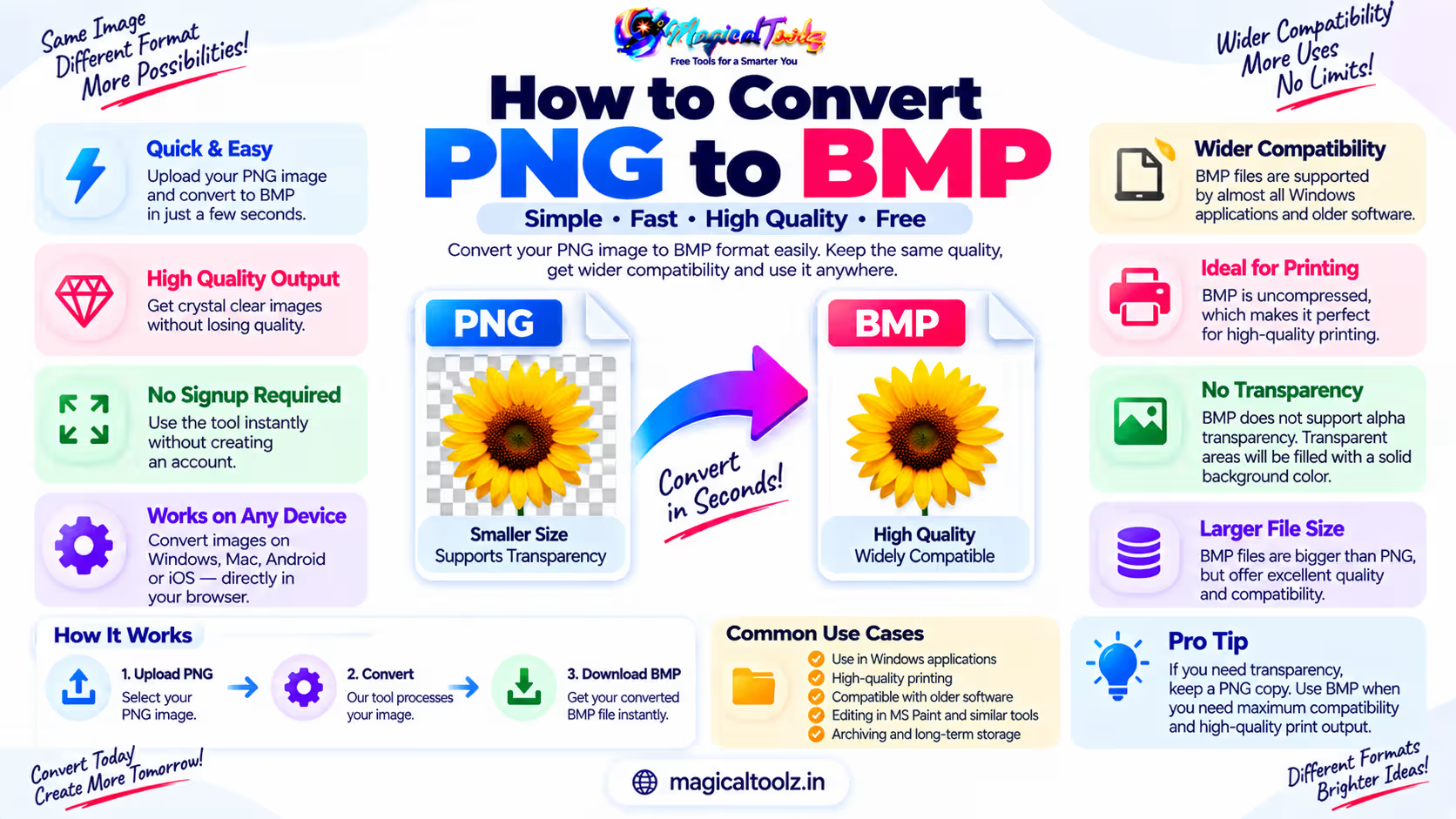
<h1How to Convert PNG to BMP: Fast, Lossless Online Conversion Guide</h1 <pIf you have ever needed to change an image from PNG to BMP...
Read article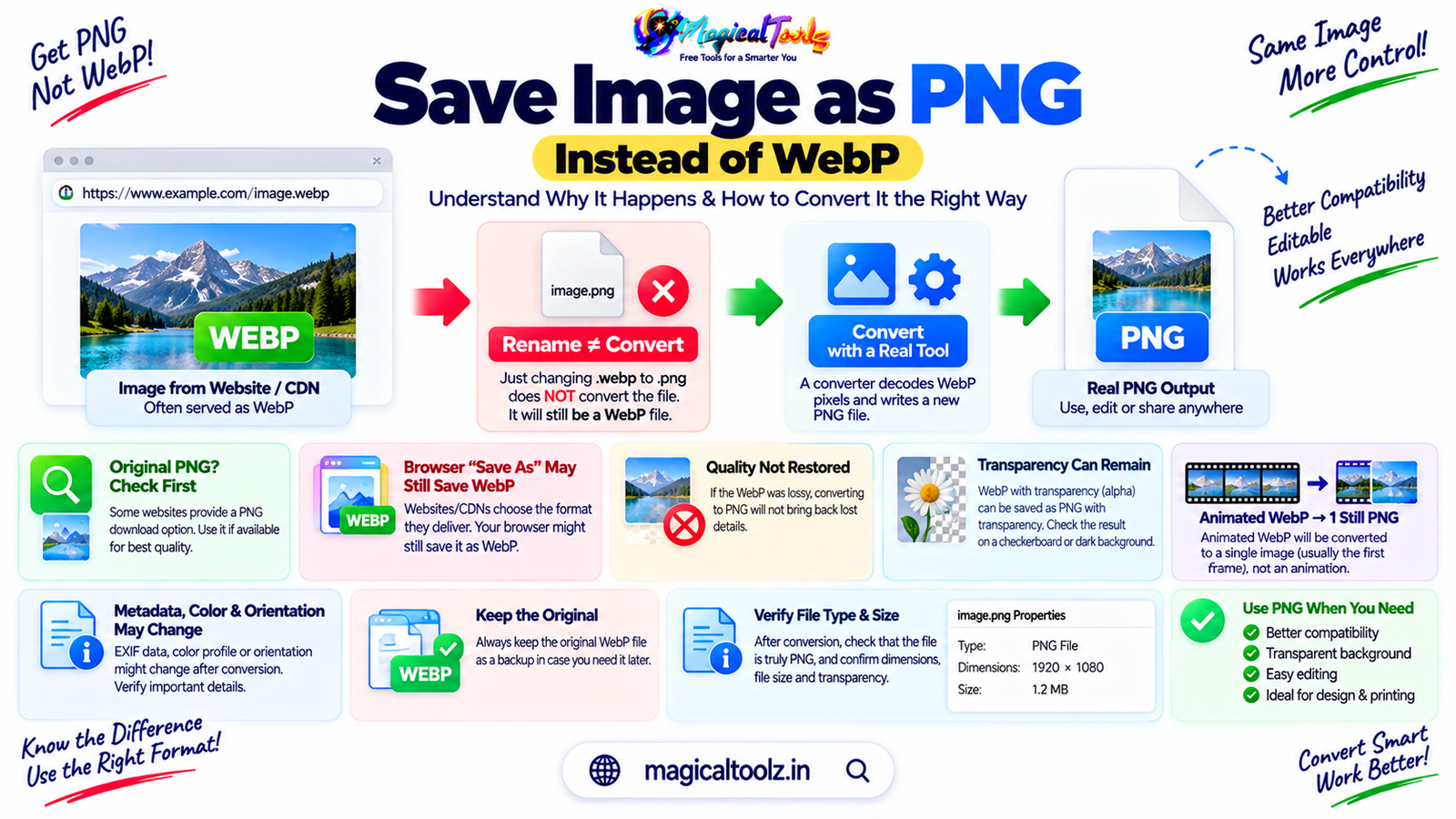 Guide
If a site serves WebP, changing the filename to .png does not change the encoded file. Decode and export it as PNG.
Read article Magical Toolz AI Support
Tell us which tool you need and we'll consider adding it.