


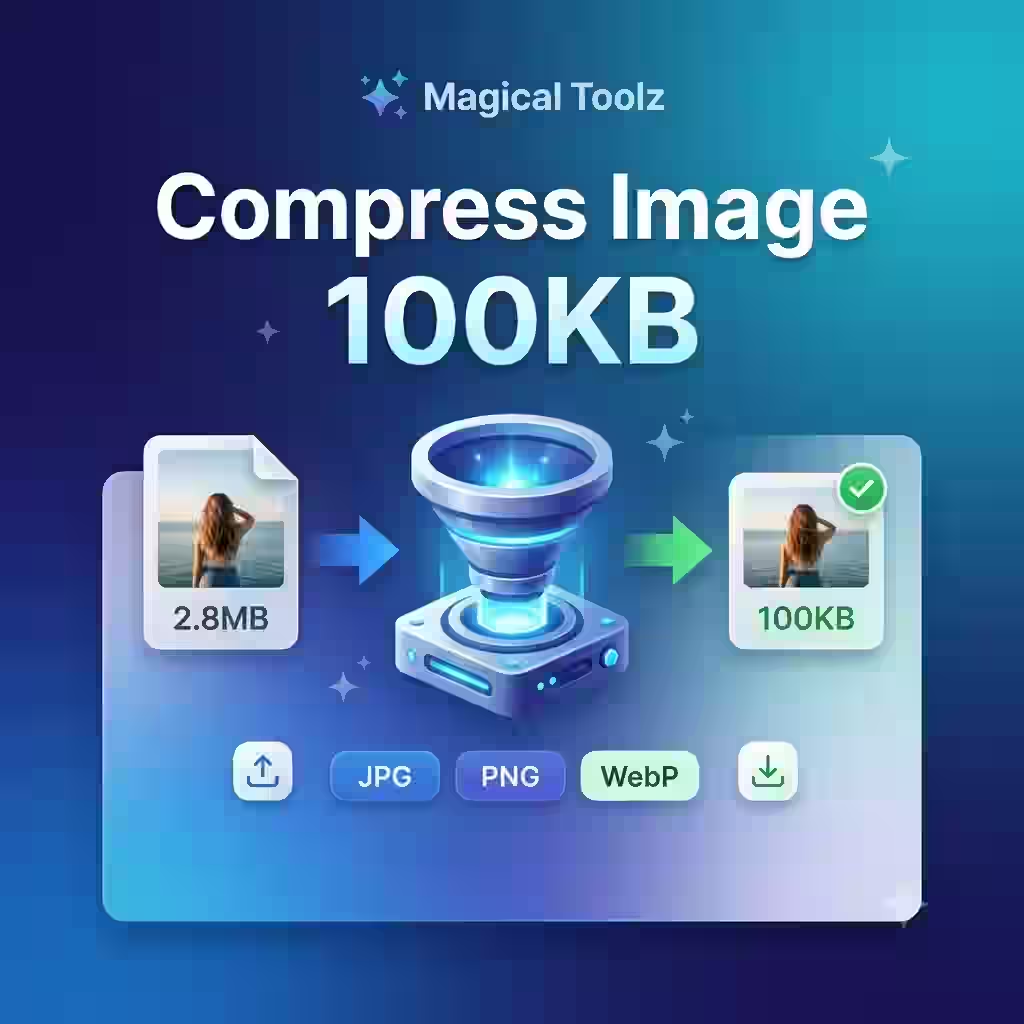
Need to reduce your image size to 100KB for an online form, job application, passport photo, document upload, or website use? For a JPG source, open the Compress JPG tool, adjust its quality and dimensions, then check the downloaded size before submitting it.
Compress Image Now How It Works ⚡Fast Compression
Upload your image, choose the target size, compress it, and download the reduced file within seconds.
📱Mobile Friendly
Use the image compressor easily on mobile, tablet, laptop, or desktop without any extra app.
🎯Useful for Upload Limits
Perfect for online forms, exam portals, profile photos, e-commerce images, and document uploads.
Upload & CompressCompress Your Image to 100KB
Select your image, set the target size to 100KB, and compress it online. After compression, always check the final file size before uploading it to any official website or application portal.
📤Upload Image Here
JPG, JPEG, PNG, WebP supported
Choose ImageNote: Very large images may lose some quality when compressed to a small size like 100KB.
What Does “Compress Image to 100KB” Mean?
Compressing an image to 100KB means reducing the file size of an image so that it becomes small enough to meet a 100KB upload limit. Many online forms, job portals, university websites, profile photo systems, and document upload platforms allow only limited image sizes. If your image is larger than the allowed size, the website may reject your upload.
For example, your original photo may be 2MB, 5MB, or even larger. A 100KB image compressor reduces the file size by adjusting image quality, dimensions, format, and optimization settings. The goal is to make the image lighter while keeping it clear enough for normal use.
Why Do Users Need to Compress Images to 100KB?
Most users search for “compress image to 100KB” because they need an immediate solution. They already have an image, but the upload website is not accepting it because the file size is too large.
This is common in many situations:
- Online job application forms
- Government exam portals
- Passport-size photo uploads
- Signature image uploads
- School, college, and university forms
- E-commerce product image uploads
- Website profile photos
- Document scan uploads
- Resume and certificate upload portals
A good image compressor should not make the process confusing. Users should be able to upload, compress, preview, and download the final image quickly.
How to Compress Image to 100KB Online
You can reduce your image size to 100KB using Magical Toolz in a few simple steps:
- Upload your image: Choose a JPG, JPEG, PNG, or WebP image from your device.
- Select target size: Set your required output size as 100KB.
- Start compression: The tool will reduce the image file size using compression settings.
- Preview the result: Check the image quality and final file size.
- Download the compressed image: Save the final image and upload it where needed.
Best Image Formats for 100KB Compression
The final result depends on your original image format, dimensions, colors, and quality. Some formats compress better than others.
| Format | Best For | Compression Result |
|---|---|---|
| JPG / JPEG | Photos, passport photos, profile images | Usually compresses very well |
| PNG | Transparent images, graphics, screenshots | May remain larger than JPG |
| WebP | Web images and optimized online use | Often gives smaller size with good quality |
If your main goal is to compress a photo to 100KB, JPG is usually a good choice. If you need a smaller web image with better optimization, WebP can also be useful. PNG images may need resizing or format conversion to reach a small size like 100KB.
Can You Compress an Image to Exactly 100KB?
In many cases, an image can be compressed close to 100KB, but the final size may vary slightly depending on the image type, original resolution, compression level, metadata, and browser or server processing method.
If a website says the image must be under 100KB, then a final size like 95KB, 98KB, or 99KB is usually safer than exactly 100KB. Some upload portals reject files that are even slightly above the limit. That is why it is always better to keep the compressed image under the required size.
Important Tip
If your portal allows a maximum of 100KB, try keeping the image between 90KB and 99KB. This gives you a safer upload margin and reduces the chance of rejection.
How to Compress Image to 100KB Without Losing Too Much Quality
Compression always affects file size and sometimes affects image quality. However, you can keep the image clear by following a few simple rules:
- Resize very large images before compressing them.
- Use JPG for normal photos and passport-size images.
- Remove unnecessary background space from the image.
- Avoid repeated compression of the same image.
- Use the original image instead of a screenshot whenever possible.
- Preview the final output before submitting it anywhere.
A 10MB image compressed to 100KB will naturally lose more quality than a 500KB image compressed to 100KB. So, if the image looks blurry after compression, try resizing the dimensions first and then compressing again.
Compress Photo to 100KB for Online Forms
Many users need to compress a passport-size photo, signature image, or document scan for online application forms. These portals often have strict upload limits. If the file size is too large, the form may show an error or fail to upload the file.
Magical Toolz helps you reduce image size quickly so you can prepare your photo for form submission. Before uploading to any official portal, always check the portal’s latest file size, dimension, and format requirements.
Compress JPG to 100KB
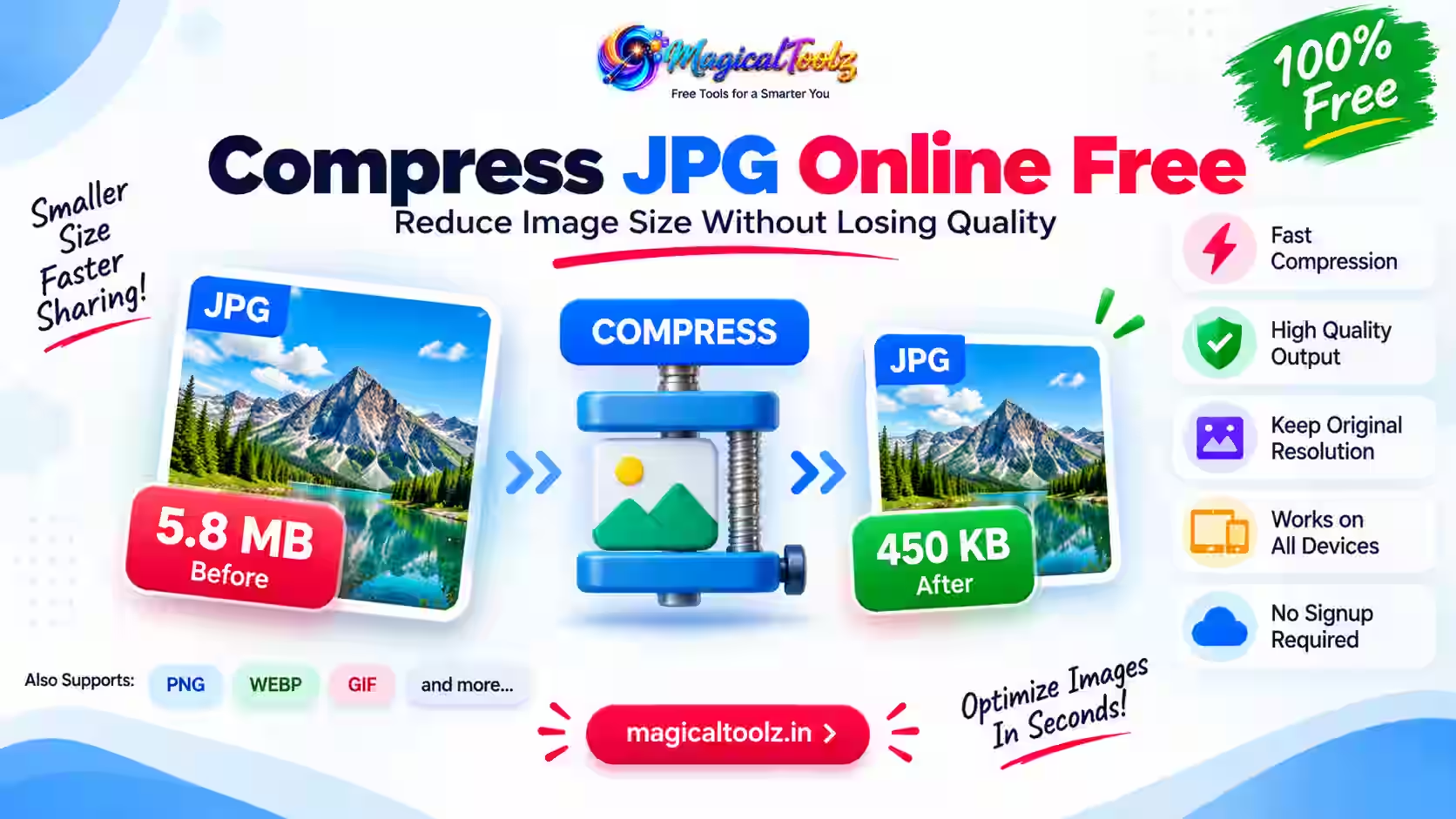
JPG is one of the easiest formats to compress because it supports adjustable quality. If your image is a photo, passport photo, or camera image, JPG compression usually gives a good balance between size and clarity.
To compress JPG to 100KB, upload your JPG image, choose 100KB as the target size, compress it, and download the optimized file.
Compress PNG to 100KB
PNG images are often larger because they are commonly used for screenshots, transparent images, and graphics. If your PNG file is too large, you may need to resize the image or convert it to JPG/WebP to reach 100KB.
If transparency is not required, converting PNG to JPG can help reduce the image size more effectively.
Compress WebP to 100KB
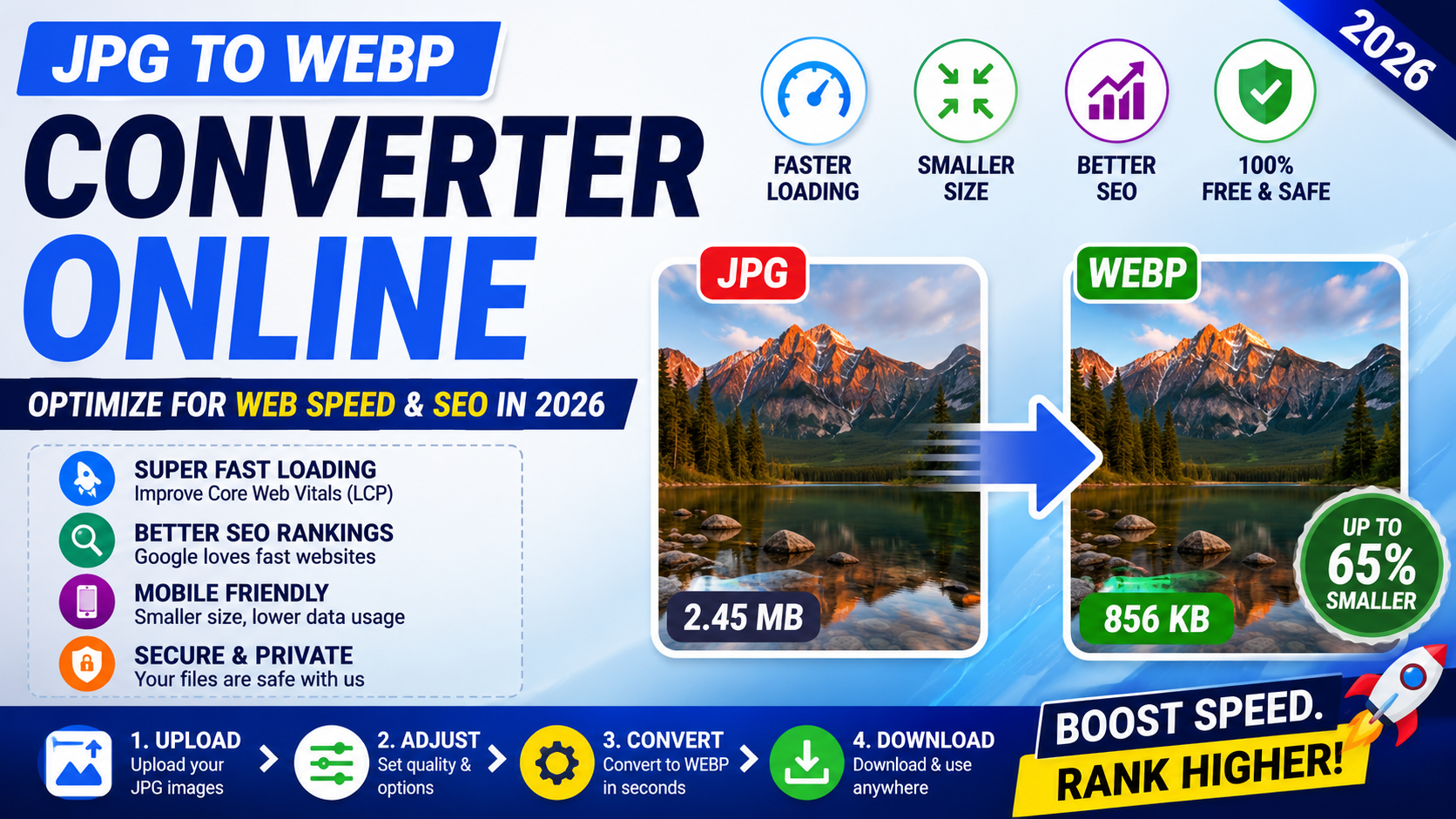
WebP is a modern image format that can provide small file sizes with good visual quality. It is useful for websites, blogs, thumbnails, and web-based image uploads.
If your website supports WebP, compressing images into WebP format can help improve page speed and reduce storage usage.
Who Can Use This 100KB Image Compressor?
This tool is useful for many types of users:
- Students: For school, college, scholarship, and exam form uploads.
- Job applicants: For resume portals, profile photos, and application forms.
- Business owners: For product images, documents, and website uploads.
- E-commerce sellers: For product thumbnails and listing images.
- Bloggers: For reducing image size and improving website speed.
- Developers: For testing optimized web images.
- General users: For sharing lighter images online.
Benefits of Using Magical Toolz Image Compressor
Magical Toolz is designed to make online tools simple, fast, and useful. Our image compressor helps users reduce image size without complicated software or technical steps.
- Free to use online
- No heavy software installation required
- Works on mobile and desktop
- Supports common image formats
- Useful for forms, photos, documents, and web images
- Simple upload, compress, and download process
- Helpful for users who need small image sizes quickly
Common Reasons Your Image Is Still Above 100KB
Sometimes an image may still be larger than 100KB after compression. This can happen because of:
- Very high image resolution
- Large PNG file with transparency
- Too much detail or many colors in the image
- Image metadata increasing file size
- Low compression level selected
- Original file size being extremely large
If this happens, try reducing image dimensions, converting PNG to JPG, cropping unnecessary areas, or applying stronger compression.
Final Words
Compressing an image to 100KB is useful when you need to upload a photo, signature, document scan, or product image to a platform with a strict file size limit. Magical Toolz makes this process simple by helping you reduce image size online in a quick and user-friendly way.
Use the tool, check the final file size, preview the image quality, and then upload it to your required website. This helps you avoid upload errors and saves time.
FAQsFrequently Asked Questions
Here are common questions users ask about compressing images to 100KB online.
How do I compress an image to 100KB?
Upload your image, select 100KB as the target size, start compression, preview the result, and download the final image.
Can I compress a photo to exactly 100KB?
In many cases, a photo can be compressed close to 100KB. For strict upload limits, keeping the final image under 100KB is usually safer.
Which format is best for 100KB image compression?
JPG is usually best for photos and passport-size images. WebP is useful for web images, while PNG may need resizing or conversion for better compression.
Will image quality reduce after compression?
Yes, image quality may reduce depending on the original file size and compression level. Very large images compressed to 100KB may lose more detail.
Can I compress PNG to 100KB?
Yes, you can compress PNG images, but PNG files are often larger. If the file does not reduce enough, try converting it to JPG or WebP.
Is this image compressor useful for online forms?
Yes, it is useful for online applications, profile photo uploads, document scans, and websites that require small image sizes.
Related Tools
More Image Tools on Magical Toolz
You can also use other free image tools to resize, convert, optimize, and edit your images online.
🗜️Image Compressor
Reduce image file size online.
📐Image Resizer
Resize image dimensions easily.
🔁JPG to PNG
Convert JPG image to PNG.
🖼️PNG to JPG
Convert PNG image to JPG.
 Magical Toolz AI Support
Comments (0)
Use comments for article-specific feedback. Use the contact page for bugs and support requests.
Leave a Comment
No comments yet. Be the first to share something useful.