


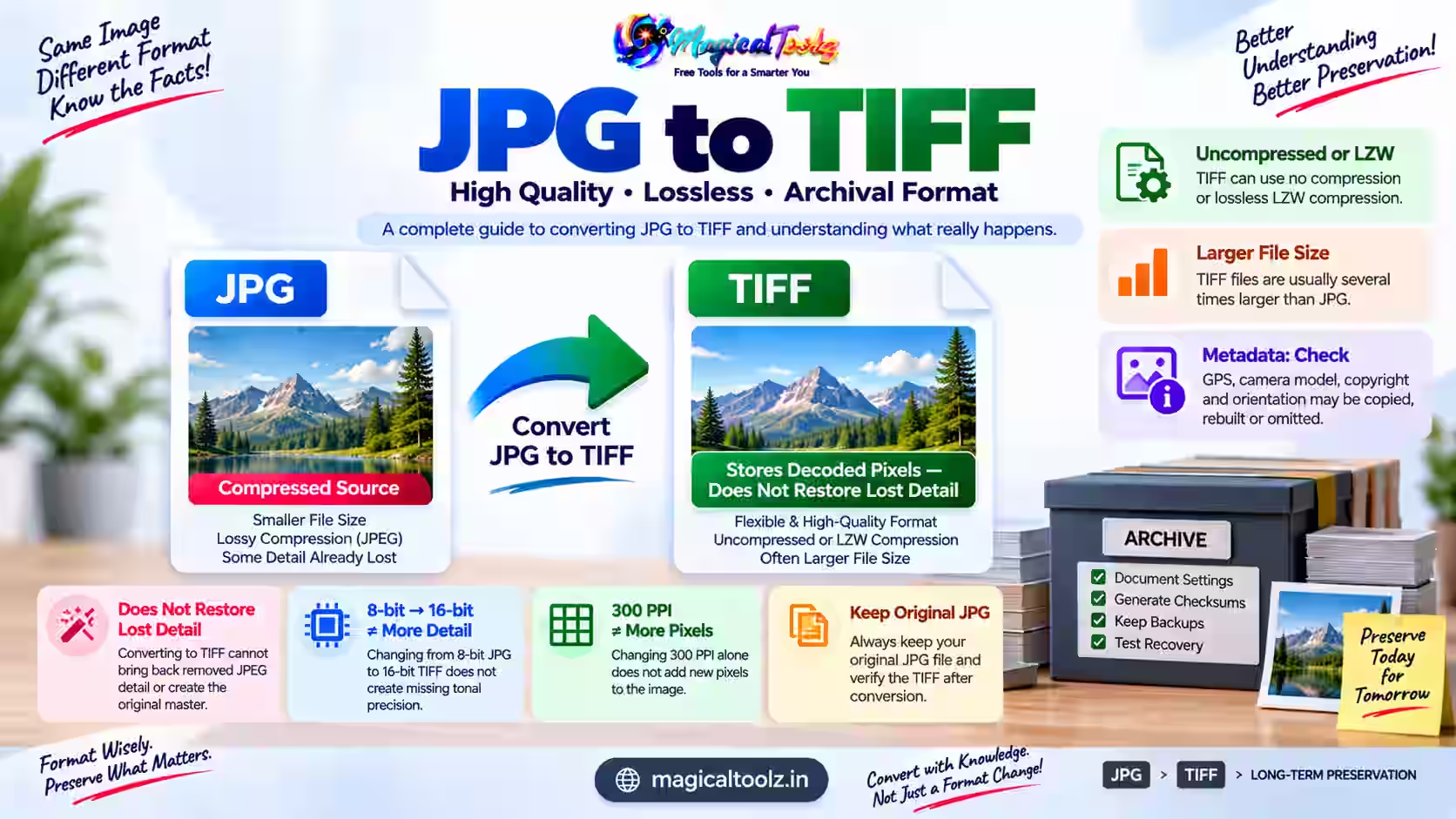
Converting JPG to TIFF does not turn a compressed photo into an original-quality master. The TIFF can store the pixels decoded from the JPG without another lossy JPEG save, but blocks, halos and missing detail from the source remain.
Use TIFF when a client, scanner workflow or archive names a specific TIFF profile. Do not convert only because TIFF sounds more professional. Keep the original JPG until the destination accepts and verifies the new file.
Check whether TIFF is actually required
TIFF is a flexible container, not one fixed quality setting. It can hold uncompressed data or use compression such as LZW. It can also carry tags for dimensions, orientation, equipment and descriptions. Two files ending in .tif may therefore differ in compression, color depth and metadata.
The Library of Congress TIFF 6.0 format description explains its image directories, tags and multiple compression options. An archive may require only a narrow profile. Ask for the accepted compression, color space, bit depth, resolution metadata and filename rules.
Why JPG quality does not return
JPEG normally reduces data to make photographs smaller. When software opens the file, it reconstructs pixels from that compressed data. A TIFF export stores the reconstructed result. It has no access to the camera or scan data that the earlier JPEG save discarded.
A lossless TIFF means the TIFF encoding can reproduce its stored pixels. It does not mean those pixels equal the image before JPEG compression. Look around text, thin lines and high-contrast edges at 100 percent zoom. Existing defects will still be visible.
The inactive site converter is not a valid route
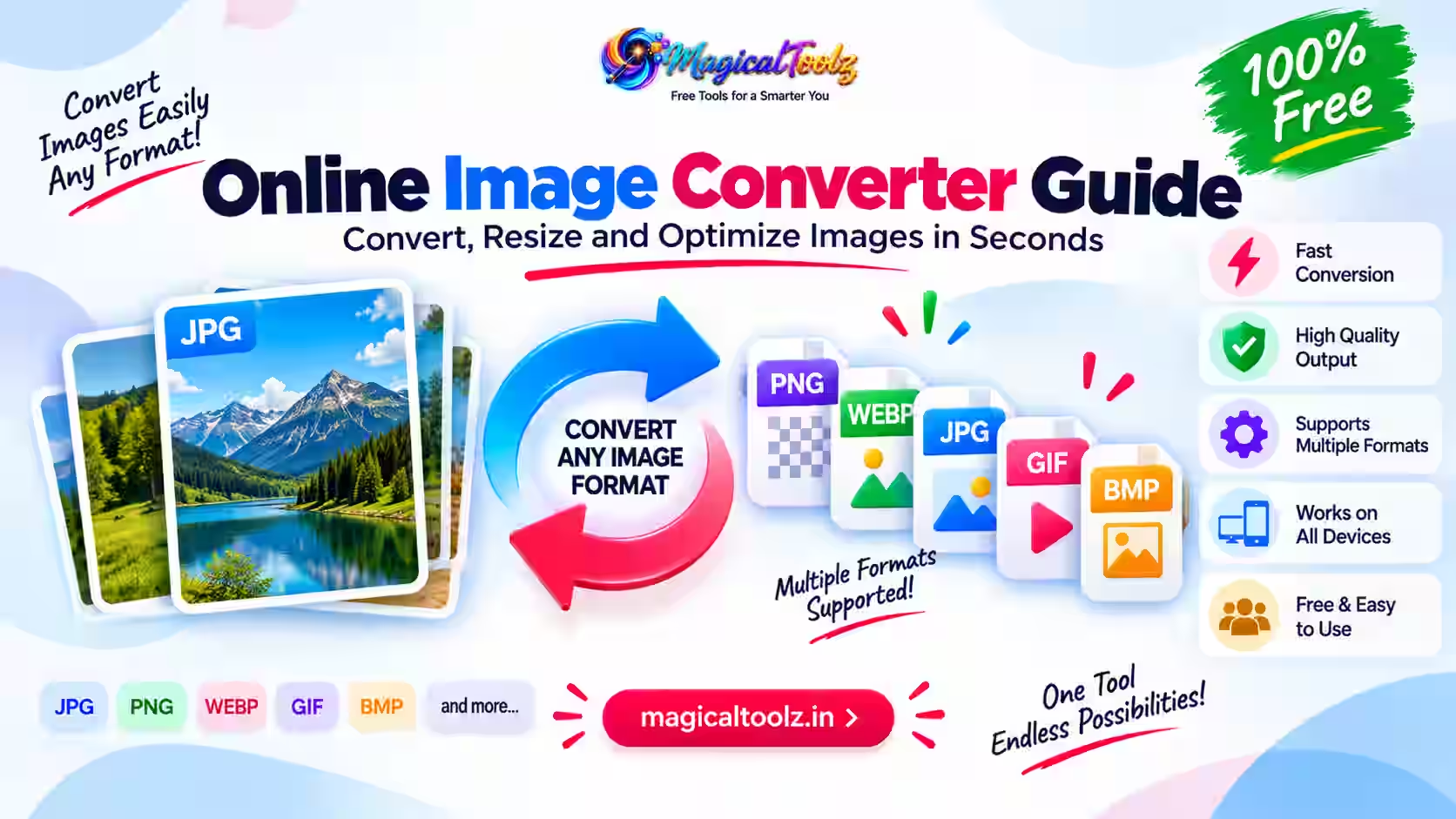
Magical Toolz currently has no active JPG-to-TIFF converter. The Universal Image Converter also does not encode TIFF. It accepts browser-decodable PNG, JPEG, WebP, GIF, AVIF and BMP sources, then exports PNG, JPEG, WebP or browser-supported AVIF.
Use an image editor or conversion program that explicitly lists TIFF output. Confirm that it creates a real TIFF by reopening the result and checking its format details. Renaming photo.jpg to photo.tif changes only the filename.
A safe conversion workflow
- Duplicate the JPG and keep the untouched source.
- Get the destination's TIFF profile instead of guessing.
- Open the JPG in an application that supports TIFF export.
- Keep the original pixel dimensions unless resizing is required.
- Select the requested color mode and bit depth.
- Choose the named compression option, such as none or LZW.
- Decide whether source metadata should remain.
- Export to a new filename and reopen the TIFF.
Do not repeatedly open and overwrite the JPG before export. Each lossy JPEG save can add damage. Perform edits in a lossless working file, then create the required delivery formats.
Expect a much larger file
A TIFF made from a camera JPG can be several times larger without looking better. The exact increase depends on dimensions, channels, bit depth and compression. Compare actual bytes instead of relying on a generic ratio.
Large files affect upload limits, cloud storage, backups and transfer time. If the recipient accepts the original JPG, a TIFF copy may add cost without adding useful image information. If the TIFF is mandatory, estimate storage using a small sample before converting a full collection.
Metadata needs a deliberate decision
The source may contain capture time, GPS coordinates, camera model, copyright text and orientation. Some editors copy selected fields. Others rebuild or omit them. TIFF also has its own tag structure, so metadata behavior varies by export application.
Check the result with a metadata viewer. For preservation work, record what was kept, changed or removed. For a public delivery file, remove private location data only when policy allows it. Never assume that conversion automatically strips every hidden field.
Color, bit depth and print resolution
Changing an 8-bit JPG into a 16-bit TIFF does not create the missing tonal precision. It may help avoid further rounding during later editing, but the source still began with limited data. The same rule applies to wide-gamut color: assigning a larger profile does not invent colors.
Pixel dimensions determine available detail. A resolution tag such as 300 pixels per inch mainly tells print software how large to place those pixels. Changing only that tag does not add pixels. Confirm final print dimensions and inspect a sample print when the job matters.
Archiving takes more than a file extension
An archive needs readable files, documented formats, checksums, backups and periodic verification. TIFF may fit the policy, but conversion alone is not preservation. Keep provenance: source filename, conversion date, software, settings and any edits.
Store at least two verified copies in separate locations. Test recovery instead of only checking that backup folders exist. If the JPG is the earliest available source, preserve it alongside the TIFF derivative.
JPG to TIFF questions
Is TIFF always lossless?
No. TIFF supports different encodings and compression methods. Check the selected profile.
Will TIFF repair JPEG artifacts?
No. It stores the decoded JPG pixels, including existing artifacts.
Can I use Magical Toolz for TIFF output?
Not currently. No active Magical Toolz converter encodes TIFF.
Should I delete the JPG afterward?
No. Keep the earliest source unless a documented retention policy says otherwise.
Does 300 PPI improve the image?
Not by itself. More detail requires adequate pixel dimensions, not only a changed resolution tag.
 Magical Toolz AI Support
Comments (0)
Use comments for article-specific feedback. Use the contact page for bugs and support requests.
Leave a Comment
No comments yet. Be the first to share something useful.