

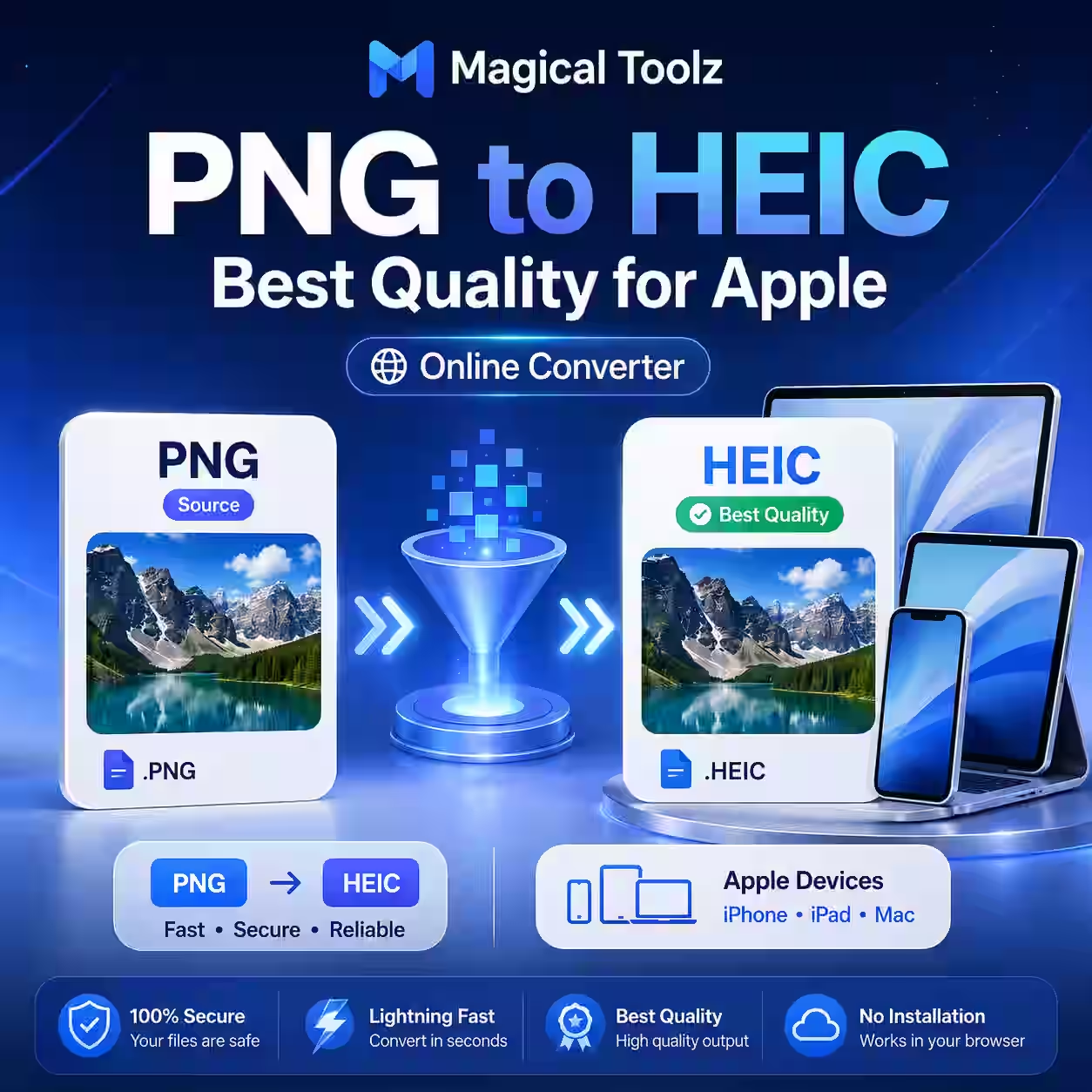
Magical Toolz does not currently encode PNG as HEIC. The active Universal Image Converter can export PNG, JPEG, WebP and browser-supported AVIF, but HEIC is outside its real interface and code.
Use an application that explicitly lists HEIC as an export format. A tool that only changes .png to .heic in the filename has not converted the image.
HEIC needs a real encoder
Apple identifies HEIC as a high-efficiency image type with the identifier public.heic in its developer documentation. Creating it requires a compatible image encoder, not a generic browser download trick.
Check the output by opening it in a second HEIC-capable application. Inspect the detected format rather than trusting the extension.
Why convert PNG to HEIC
A photographic PNG can be very large. HEIC may store a visually similar photo in fewer bytes and can carry modern color information. That does not make it the best delivery format everywhere.
Many websites, forms and Windows workflows accept JPG or PNG more reliably. Confirm the destination before creating HEIC. If the image is meant for a website, WebP or AVIF may fit browser delivery better.
Transparency needs testing
PNG may contain transparent or partly transparent pixels. HEIC workflows differ in how they handle alpha. Some preserve it, while others flatten it or reject the source.
Test logos, cutouts, shadows and soft edges. If transparency is required by the next application, verify it there. Keep PNG when broad alpha compatibility matters more than storage size.
A controlled conversion workflow
- Keep the original PNG.
- Confirm that the destination accepts HEIC.
- Open the PNG in a verified HEIC encoder.
- Keep original dimensions unless resizing is required.
- Choose quality or lossless settings deliberately.
- Decide how transparency should be handled.
- Export to a new filename.
- Reopen and inspect the HEIC elsewhere.
Quality labels are not universal
A quality value in one encoder does not equal the same value in another. Create two candidates and compare detailed areas such as hair, fabric, text and gradients. Use the lowest size that still meets the visual need.
If the PNG came from a lossy photo, HEIC cannot recover earlier damage. If it came from a clean design or screenshot, lossy HEIC may introduce new artifacts around text and hard edges.
Color and HDR claims need caution
HEIC can carry wide-color and high-range information, but converting an ordinary PNG does not invent it. The encoder may map profiles or change appearance. Compare skin tones, highlights and brand colors on the target device.
Use color-managed desktop software for professional work. A browser preview alone is not enough for a print master.
Metadata may be copied, changed or removed
A PNG may contain text chunks, color data and creator information. Export applications handle these fields differently. HEIC can also contain structured metadata and related image items.
Inspect capture, location and copyright fields after conversion. Do not assume a new format automatically removes private information or preserves ownership data.
Use a working alternative when HEIC is unnecessary
For web delivery, the active PNG to WebP Converter accepts up to 50 PNG files. Lossy mode runs in the browser, while true lossless mode uses the site's ImageMagick backend after preparing pixels.
That is not a HEIC substitute for every job, but it is a real supported route for modern web images. Check what the destination asks for rather than choosing a format by name.
Check compatibility before a large batch
Convert one representative file. Test it on the receiving phone, computer, editor and upload form. This catches missing codecs, wrong orientation and unsupported transparency before a long batch.
Store the PNG masters separately. Delivery formats can be recreated when requirements change.
Check what happens during sharing
An Apple device or sharing app may send a more compatible copy instead of the exact HEIC you exported. After transfer, inspect the received file on the other device. Confirm its extension, detected format, dimensions and byte size.
Do not judge the workflow only from the sender's Photos preview. The receiving application is where compatibility succeeds or fails.
PNG to HEIC questions
Can Magical Toolz create HEIC?
No. No active Magical Toolz tool currently encodes HEIC.
Does HEIC always reduce size?
No. Results depend on image content and encoder settings.
Will transparency survive?
It depends on the encoder and receiving app. Test it.
Is HEIC best for websites?
Usually not as a primary web delivery format. Check WebP or AVIF support instead.
Should I delete the PNG?
No. Keep it as the source master.
 Magical Toolz AI Support
Comments (0)
Use comments for article-specific feedback. Use the contact page for bugs and support requests.
Leave a Comment
No comments yet. Be the first to share something useful.