

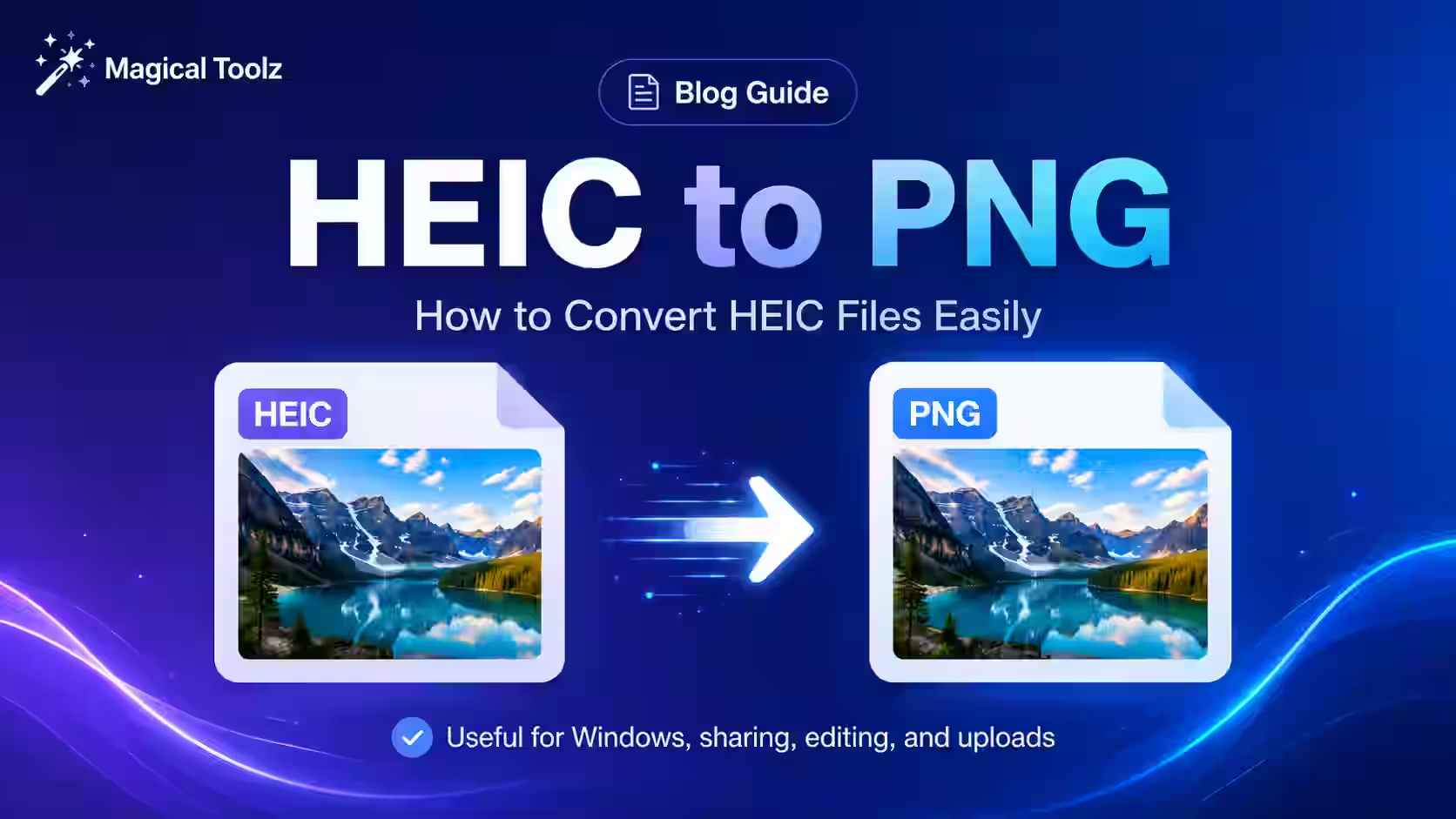
Current tool status: Magical Toolz does not currently offer an active dedicated HEIC-to-PNG converter. This article explains the format choice only. On Apple devices, you can export through Photos or Preview; for sensitive images, prefer a converter you trust and verify the downloaded file before deleting the original. See Apple's HEIF and HEVC guidance.
What HEIC actually is, and why your phone picked it
HEIC is the file type many iPhones use for photos. Apple added support for HEIF and HEIC with iOS 11 and macOS High Sierra, and the format became a normal part of the Apple photo flow. That is why you can take a picture and open it just fine on your iPhone, then hit a wall when you send it to a Windows laptop or a random web app.
It feels annoying. It is annoying.
The good part is that HEIC usually stores photos efficiently. The file can stay smaller than you might expect while still looking good. The bad part is compatibility. Some devices and apps open it without blinking. Others need an extra extension, a converter, or a bit of patience you probably do not have.
Why people search for a HEIC to PNG converter
You usually search for a HEIC to PNG converter when you want the photo to open somewhere else without drama. Maybe the image needs to go into a blog editor. Maybe you are sending it to someone who lives on Windows. Maybe you want a format that keeps transparency for a design task. PNG is a simple choice in those moments because it is widely understood and lossless.
That last part matters. PNG does not throw away image detail the way a lossy format can. It is also the better fit when the picture has edges you do not want blurred, or when the image needs an alpha channel. If you are dealing with a logo, a screenshot, or a graphic with transparent areas, PNG usually feels safer.
Simple need. Clear reason.
HEIC vs PNG is not a fair fight, because they do different jobs
HEIC is a newer photo format built for efficiency. PNG is a long-trusted raster format that keeps data lossless and supports transparency. That means the real question is not "which one is better?" It is "which one fits the job you need done today?"
If you care about file size and you are staying inside Apple's ecosystem, HEIC can be nice. If you care about compatibility, screenshots, alpha transparency, or an image that should look the same after conversion, PNG often makes life easier. That is why people keep converting between the two instead of picking one forever.
Different tools. Different trade-offs.
Good to knowPNG is lossless and supports transparency. That makes it a better fit for screenshots, logos, and images with clean edges, even if the file ends up larger than the original HEIC.
Why HEIC files confuse people on Windows
If you have ever tried to open an iPhone photo on a Windows machine and seen a weird error or a blank preview, you are not alone. Windows can read HEIC with the right support, but that support is not always there by default in the way people expect. So the file feels broken even when it is perfectly fine.
That mismatch is the whole reason conversion exists. The photo is real. The problem is the software stack around it. A PNG side-step gets you to something that opens more predictably in browsers, image editors, chat apps, and older devices.
No mystery. Just compatibility.
When PNG is the right target
PNG is a good target when the image needs to stay crisp and readable. It is also a sensible choice when you are sending files to someone who may not have HEIC support installed. If the image is a screenshot or a clean graphic, PNG often keeps the result looking faithful to the original.
That does not mean PNG is always the smartest output. For large camera photos, it can be bigger than you want. But if your first priority is "I want this image to work everywhere," PNG is a very comfortable landing spot.
Compatibility first, size second.
How people usually convert HEIC to PNG
You have a few common paths. On Apple devices, you can sometimes keep future photos in a more widely compatible format by changing camera settings. On Mac, Preview can export images into other formats. On Windows, some people install the HEIF extension so the files open properly before converting them elsewhere. And online converters exist too, which is why the seed phrase "heic to png converter" gets searched so often.
The exact path depends on where your file already lives. If the photo is on your phone, a built-in option may be the easiest first step. If the file is already on your computer, a browser-based converter can save you from opening a bigger image editor just to swap formats.
Pick the shortest clean path.
What you gain, and what you give up
When you move from HEIC to PNG, you gain broad compatibility and transparency support. You also gain a file that many apps can read without asking questions. What you give up is usually file size. PNGs can be larger, especially when the source image is a photo with a lot of fine detail.
That trade-off is not a flaw. It is just how the formats behave. If the file is going to be shared in a place that handles HEIC poorly, the extra size is often worth it. If you are archiving a camera roll and space matters more, HEIC may still be the format you want to keep.
Convenience has a cost.
ExampleYou get an iPhone screenshot from someone and need to drop it into a design draft. You convert the HEIC image to PNG, because the editing app handles PNG cleanly and the edges stay sharp. The file may be larger, but it is easier to use in the next step.
Why transparency is a big deal
Transparency is one of the big reasons people choose PNG. If the image needs to sit on top of another background, or if the background should stay invisible, PNG is the safer path. HEIC can store high-efficiency photo data, but PNG is the format most people reach for when they need a transparent result that just works.
That is especially useful for logos, cutouts, and screenshots with transparent elements. If you are converting that kind of file, you are not just changing the extension. You are choosing a format that better matches the design job you actually have.
Invisible edges matter.
What to check before you convert
Before you convert, ask yourself what the image is for. Is it a photo that just needs to open on more devices? Then PNG may be fine. Is it a camera picture that needs to stay small? Then think carefully, because PNG may make it much heavier. Is it a logo or screenshot with transparency? Then PNG is usually the safer target.
That quick question saves time. It also stops you from converting everything by habit when only a few files actually need a new format. Most file headaches are really "wrong format for the job" problems, not "bad image" problems.
Use the right output.
Good to knowIf you only need the image to open more widely, PNG is a reasonable choice. If you are trying to keep file size small, you may want a different output format depending on the image type.
Who usually needs this conversion
People who work with screenshots, app assets, blog images, and phone photos run into this all the time. So do people who receive images from iPhone users and need them in a format their software already likes. If you are writing a blog post, building a product page, or sending an image to an older tool, PNG is often the format that avoids the most friction.
That is the whole appeal. You are not trying to reinvent the picture. You are just making it easier to use in the next place it has to go.
Less friction. More opening.
How a simple browser converter fits into the job
When you use a browser converter, the goal is not fancy editing. It is just format change. You upload or select the HEIC file, let the tool turn it into PNG, and download the result. That is enough for a lot of day-to-day work, especially when you just need to move the file into another app that will not cooperate with HEIC.
If a site offers a HEIC to PNG converter, the real value is speed and fewer steps. You do not need to open a big desktop editor for a small format fix. You just get the image into something easier to use.
Simple path. Clean result.
Why search phrases keep sounding so similar
Phrases like "HEIC to PNG converter", "convert iPhone photos to PNG", and "why won't my HEIC file open" all point to the same problem. The file is fine, but the app or device on the other end is the issue. Once you know that, the conversion decision gets easier.
That is why people do not just ask what HEIC is. They ask what to do with it. They want a file that opens, uploads, or edits without a fight. PNG is often the calmest answer.
Openable beats fancy.
A straight answer before you convert
If the image needs to open on more devices, or if you need transparency and a format most apps understand, PNG is a solid destination. If you are trying to save storage space, HEIC may still be the better home file. The choice is less about quality in the abstract and more about where the image has to go next.
That is the real decision behind a HEIC to PNG conversion. You are trading file size for compatibility, and sometimes that trade is exactly what you want.
Useful file, different job.
Related tools and situations
If you work with image formats often, you will keep running into the same kind of choice. PNG helps with transparency and compatibility. JPG helps keep photos lighter. WebP can be a smart web option. The best move is not to memorize a rule for every file. It is to ask what the image needs to do, then pick the format that matches.
That keeps the process practical. And it saves you from converting a file twice because you chose the wrong output the first time.
Choose for use.
Frequently Asked Questions
Why won't my iPhone photos open on Windows?
They may be saved as HEIC, which some Windows setups do not handle without extra support.
Is PNG better than HEIC?
It depends on the job. PNG is usually better for compatibility and transparency, while HEIC often keeps photos smaller.
Does PNG keep transparency?
Yes, PNG supports transparency.
Does converting to PNG improve quality?
It does not create new detail. It just preserves the image in a widely supported lossless format.
Will PNG files be bigger?
Often, yes. PNG can be larger than HEIC, especially for photos.
Is HEIC only for Apple devices?
Apple made HEIC popular, but other systems and apps can support it too.
 Magical Toolz AI Support
Comments (0)
Use comments for article-specific feedback. Use the contact page for bugs and support requests.
Leave a Comment
No comments yet. Be the first to share something useful.