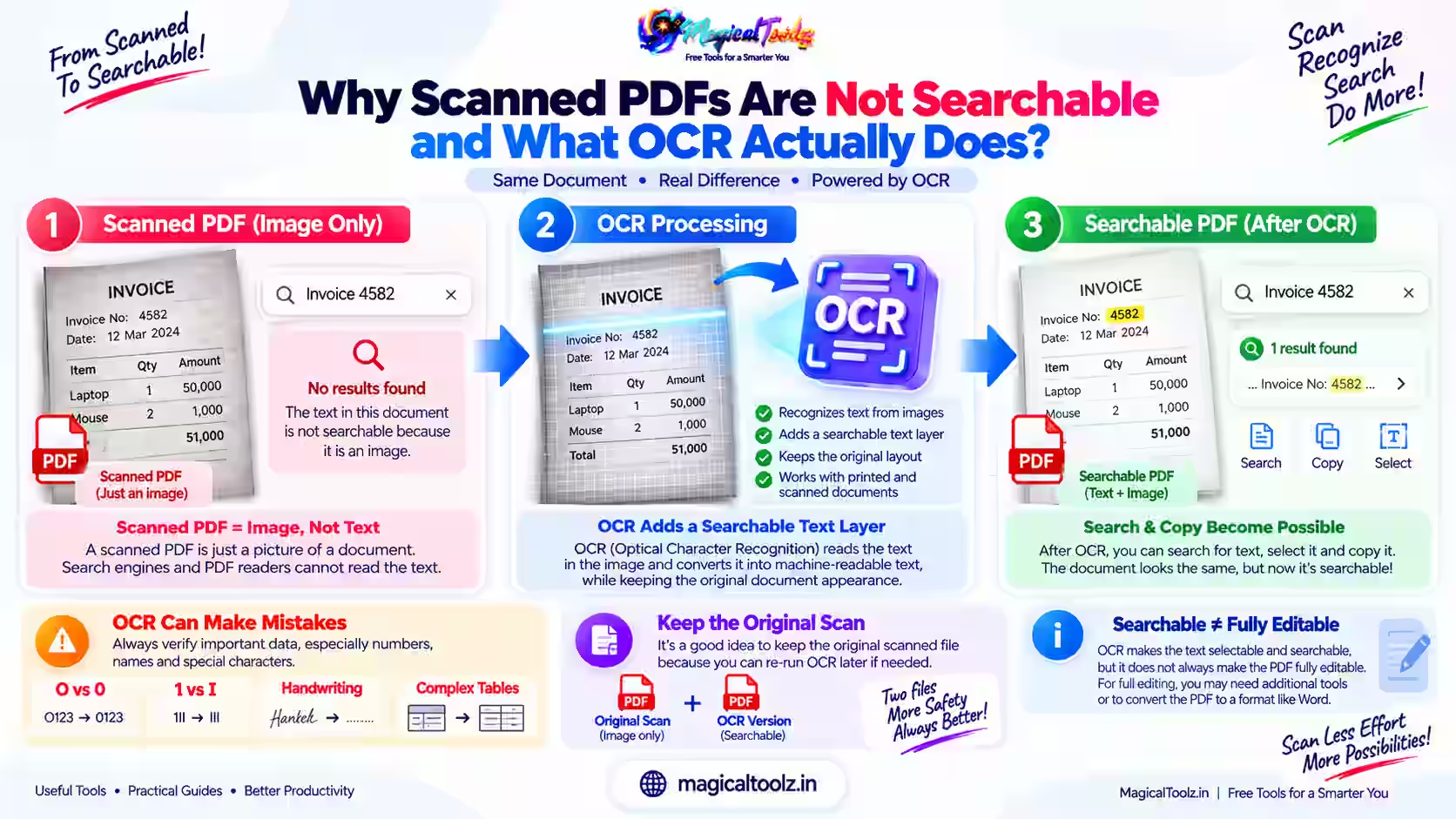
Why Scanned PDFs Are Not Searchable and What OCR Actually Does
Learn why scanned PDFs may contain only page images, how OCR adds searchable text, where recognition errors happen, and how to check the result.
Practical walkthroughs, format explainers, and safer ways to use online tools. Find the answer you need, follow the steps, and move on with confidence.
Learn why scanned PDFs may contain only page images, how OCR adds searchable text, where recognition errors happen, and how to check the result.
10 articles shown on this page
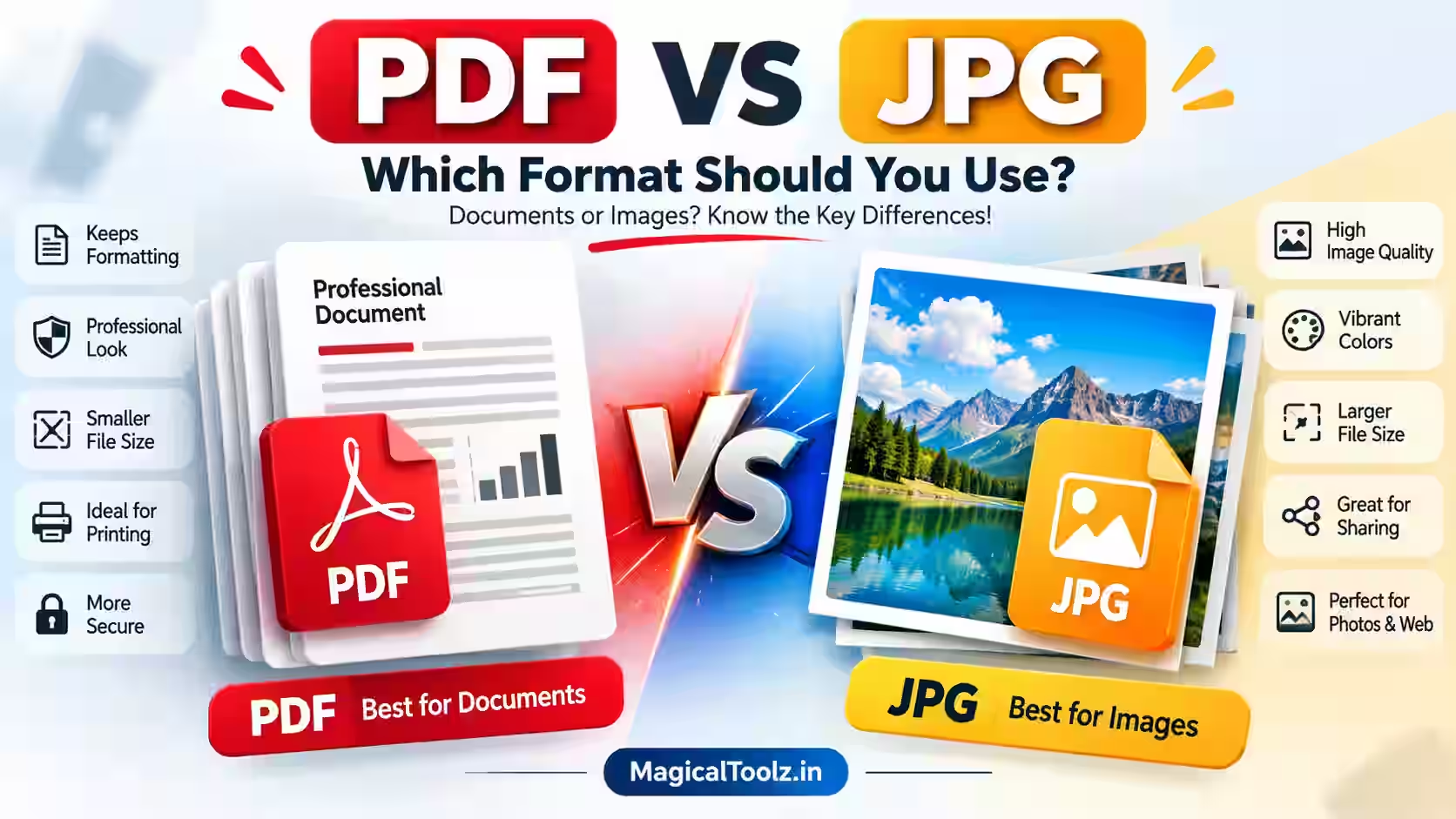
Compare PDF and JPG for documents and images, including quality, file size, printing, editing, page structure, privacy, and practical...
Read articleLearn how to plan PDF order, avoid duplicate pages, handle mixed layouts, manage file size, protect source documents, and review the f...
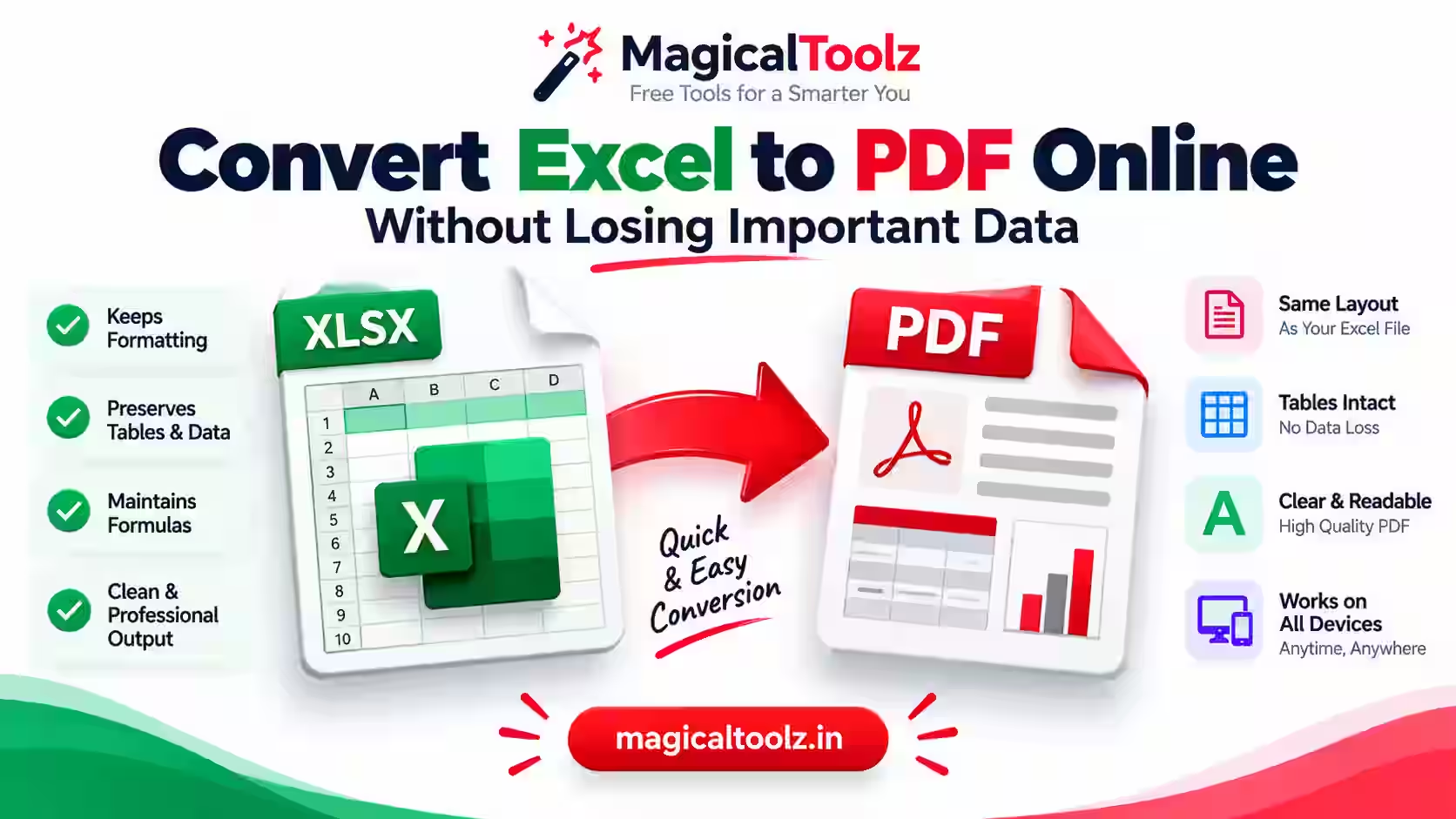
Read articleLearn how to prepare an Excel workbook for PDF, avoid layout and data problems, choose the right export method, and review the finishe...
Read articleNeed to upload a PDF under 100KB? Use the right compression effort, check readability, and prepare a file that meets the portal limit.
Read articleCreate a WiFi QR code, test it with a phone, and share guest network access without typing a long password.
Read articleGot a VCF file full of contacts but need them in Excel? This friendly guide explains three practical conversion methods, plus fixes fo...
Read articleTurn one image into seven PNG favicon sizes, a ZIP package, and an HTML snippet, with setup and browser-cache troubleshooting.
Read article
Guide
Compress up to 30 JPG files locally, compare size and quality, then download individual results or one ZIP archive.
Read articleDraw and review blur regions for faces, number plates, or private details, adjust strength, and download the edited image.
Read articleTell us which tool you need and we'll consider adding it.