

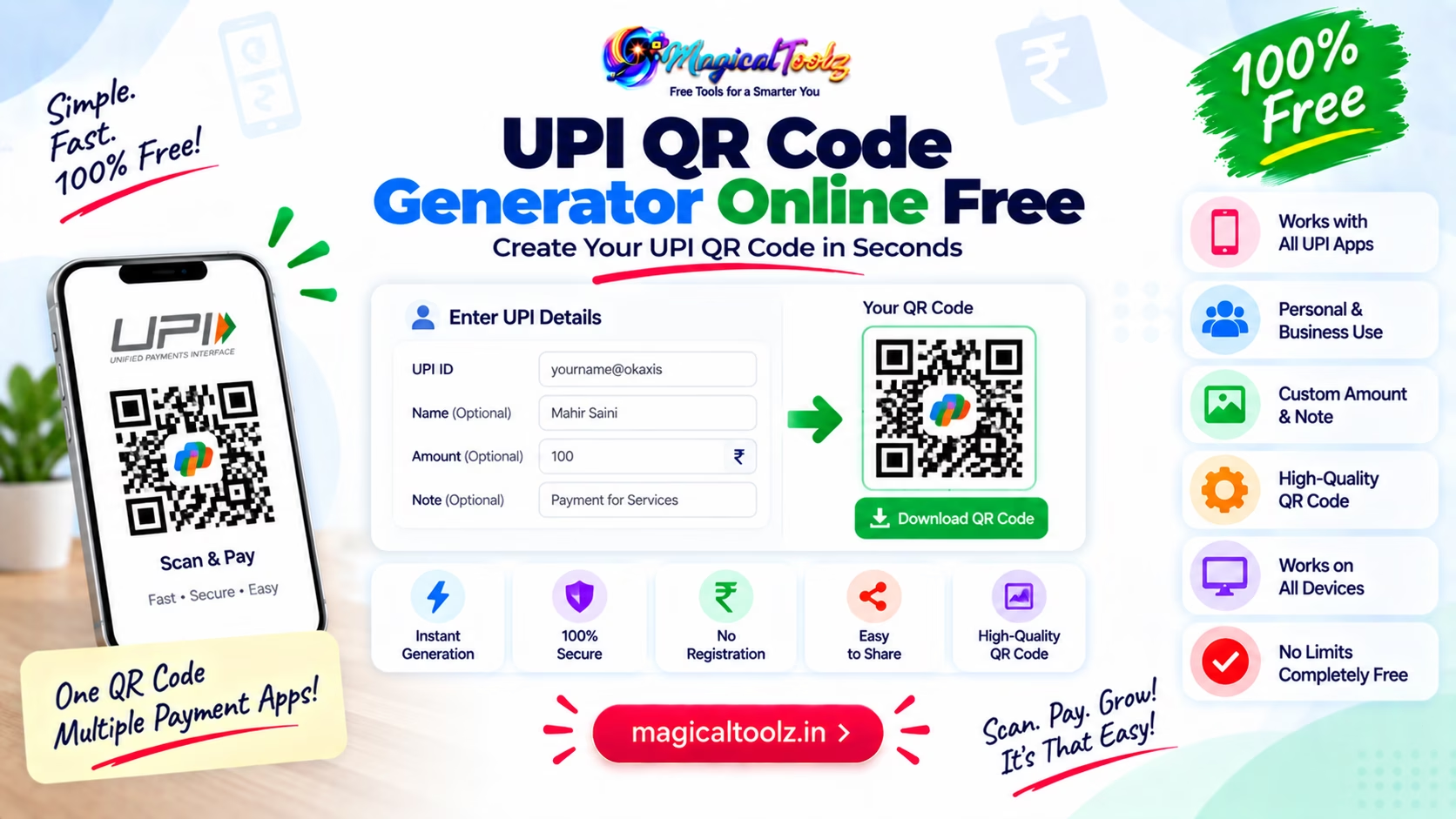
Tool boundary: The Magical Toolz QR generator has no dedicated UPI payment form and does not verify a UPI ID, recipient, or amount. You may encode a payment URI as plain QR data, but always scan it yourself and confirm the payee shown by your payment app before sharing it.
A QR code feels small, but the job is not
When someone scans a UPI QR code, they are not just reading a pattern of squares. They are jumping straight into a payment flow with less typing, less friction, and fewer chances to make a mistake. That is the real value. The QR code is just the shortcut.
If you have ever typed a long payment ID by hand, you already know why this matters. One wrong character can send you back a step or send the payment to the wrong place. A QR code removes that little stress before it grows into a bigger one.
Scan. Confirm. Done.
Why people search for UPI QR code generator
The search usually comes from everyday situations. A shop owner wants a payment stand. A freelancer wants a quick way to receive money. A small business wants one code that can sit on a counter, invoice, poster, or receipt. That is why phrases like "UPI QR code generator", "create UPI QR code online", and "scan and pay QR code" keep showing up.
People are not trying to be technical for fun. They just want a way for others to pay without opening a whole new conversation about account details.
Simple payment path. Less typing.
Good to knowA QR code generator does not need to be special just to carry a UPI payment string. If the code contains the right payment information, a scanner can read it and open the payment flow in a compatible app.
UPI QR codes are really about convenience
The best thing about a UPI QR code is that it keeps the payment step short. No one has to type the full UPI ID if they can just scan a code instead. That is especially useful in busy places where the buyer is standing at a counter or the seller is waiting to finish a transaction quickly.
It also helps reduce errors. Typing a payment string by hand leaves room for missed dots, wrong letters, or copy-paste problems. A QR code does the exact opposite. It packages the information once and lets the phone handle the reading.
Less error. Faster handoff.
Static UPI QR and dynamic payment links are not the same thing
People sometimes use "UPI QR" as if it means one single setup. In reality, there are different ways to do it. A static QR code can point to a fixed UPI address or payment string. A dynamic setup may change the amount or order details depending on the transaction. Both are useful, but they solve slightly different problems.
If you just want a simple code for routine payments, static is often enough. If you need more control over the amount or transaction metadata, a more advanced payment flow may fit better. The important thing is knowing what the QR should do before you generate it.
One code. Different workflows.
Why a plain QR code tool can still help
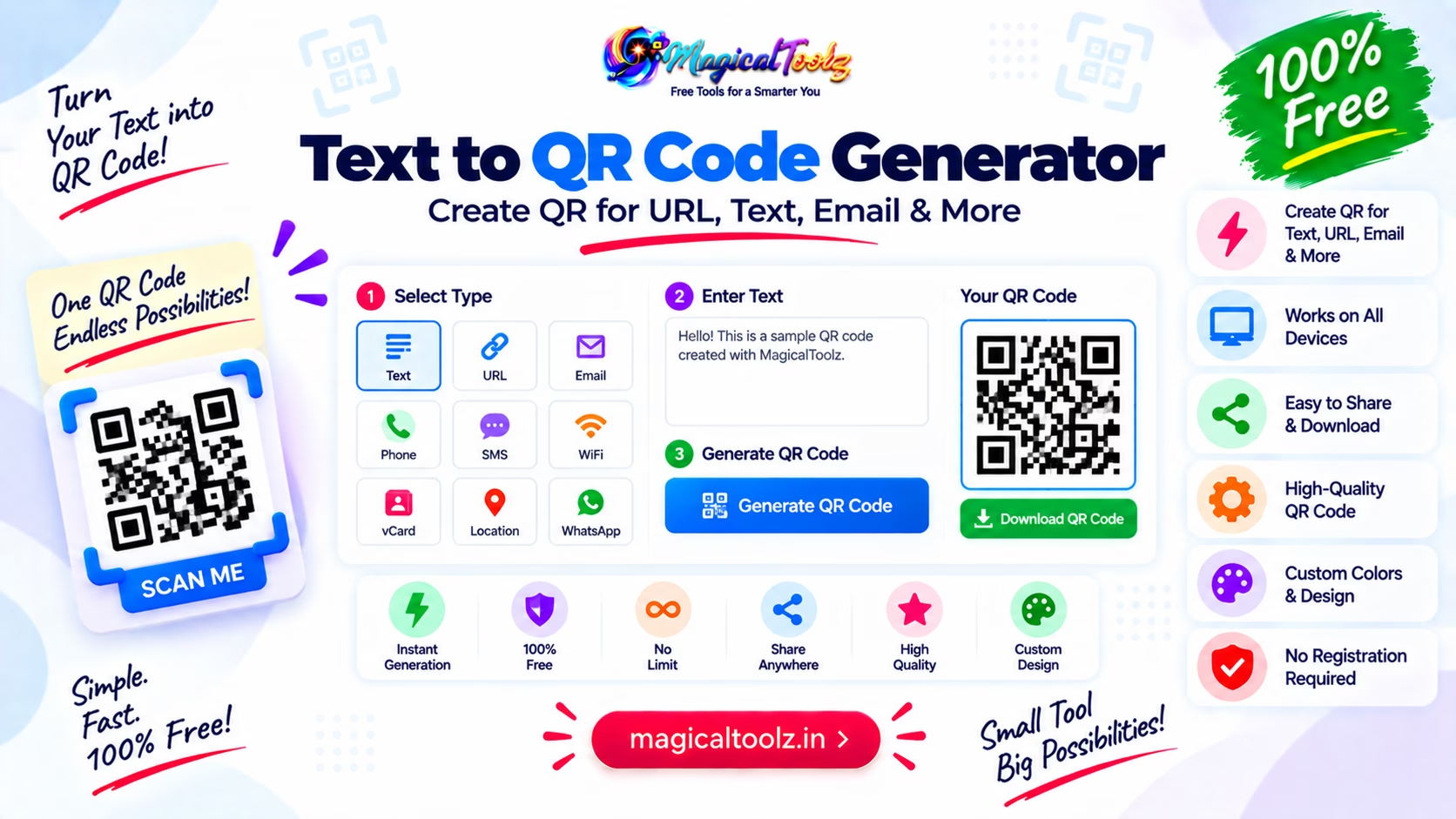
This is the part that matters here. You do not need a fancy, separate "UPI mode" for the core job if the QR generator can encode the payment string you already have. The code itself is the carrier. Once it is scanned, the payment app reads the data and decides what to open. The QR Code Generator on this site is a general text/URL tool — it does not have a dedicated UPI field, so you build the payment string yourself and paste the whole thing into the text box.
That means a general QR tool can still be enough for many UPI use cases. The real question is not whether the QR code looks special. It is whether the encoded content is correct.
Correct data beats fancy labels.
Watch for thisA QR code only works as well as the data inside it. If the UPI address, name, or payment string is wrong, the scan will still be wrong. Always check the encoded details before you share the code publicly.
Why UPI QR codes are everywhere in India
They are simple to display and easy to scan. A merchant can print one on paper. A freelancer can add one to an invoice. A home business can stick one near the checkout area. That flexibility is why the format spread so quickly. It fits everyday payments without asking people to learn anything new.
There is also a trust factor. People have gotten used to scanning a code the same way they scan a menu, a poster, or a ticket. The payment step feels familiar now, which makes the whole process smoother for both sides.
Familiarity helps payments.
Why amount fields can matter
Sometimes a QR payment needs to point to a fixed payee but not a fixed amount. Other times the amount is part of the payment intent. The exact behavior depends on how the UPI string is built and what the app on the other side supports. That is why it helps to think about the payment experience before you generate the code.
If the amount should be typed later by the payer, the QR should leave room for that. If the payment is for a fixed item, the amount can be part of the flow. Either way, the QR should match the actual business need instead of guessing.
Think before you print.
A good QR code should be easy to scan in real life
This sounds obvious, but it gets missed often. A code that looks fine on your screen can still be hard to scan if it is too small, too busy, or printed with poor contrast. UPI QR codes work best when the code is clear, the background is clean, and the label nearby tells people what they are scanning.
That is true for counters, posters, invoices, and receipts. The QR code is doing the payment handoff, but the surrounding layout helps people trust it.
Clear code. Clear context.
ExampleYou run a small tutoring class and want students to pay after each session. A UPI QR code on the desk lets them scan, confirm the amount, and finish the payment without you typing your payment ID into their phone one letter at a time. It feels small, but it saves awkward delays.
Why a QR code beats handwriting a payment ID
Handwriting is slow. Copying it is error-prone. Reading it back out loud is even worse when the room is noisy or the payment ID has a mix of letters and numbers. A QR code removes all of that friction in one step.
This is why UPI QR codes are not just for businesses. Individuals use them too. Anyone who wants to make payment collection easier can benefit from a code that scans quickly and gets the app moving in the right direction.
Less spelling. More paying.
Why people still need a generated image
Once you have the payment data, you still need a visible QR image that can be shared. That image might go on paper, inside a PDF, in a message, or on a page. The image is the thing people scan, not the payment data stored in your notes app.
That is why QR generation is still useful even when the payment information already exists. You are not inventing the payment. You are packaging it into a form that is easier to share.
Packaging matters here.
What a UPI QR code is not
It is not a magic payment processor. It is not a bank statement. It is not a way to hide bad payment details. The QR code simply points the scanner toward the right payment information. If the information is bad, the code is bad too.
That sounds basic, but it keeps expectations honest. QR codes are a delivery format. The payment logic still belongs to the UPI app and the details you encoded.
A simple habit before sharing
Scan the QR code yourself before you print it, post it, or send it around. Check that the receiver name, payment path, and any amount or note behave the way you expect. That quick test can prevent a lot of avoidable confusion later.
If the code is going on a public page or a printed receipt, this check matters even more. It is much easier to fix the file before distribution than to explain a broken code after everyone has already seen it.
Frequently Asked Questions
What is a UPI QR code?
It is a QR code that carries UPI payment details so someone can scan and pay quickly.
Do I need a special tool just for UPI QR codes?
Not always. A general QR code generator can work if it encodes the correct UPI payment data.
Is a static UPI QR code useful?
Yes. It is useful when you want one fixed code for repeated payments.
Why do people use UPI QR codes instead of typing the ID?
Scanning is faster and reduces typing errors.
Can a QR code fix wrong payment details?
No. It only carries whatever data you put into it.
Should I test the QR code before sharing it?
Yes, always scan it once to make sure it opens the right payment flow.
 Magical Toolz AI Support
Comments (0)
Use comments for article-specific feedback. Use the contact page for bugs and support requests.
Leave a Comment
No comments yet. Be the first to share something useful.