

Current tool status: Magical Toolz does not currently offer an active dedicated SVG-to-PNG converter. This article explains raster export choices. Keep the SVG original because PNG output has fixed pixel dimensions and cannot regain vector scalability.
SVG looks simple, but it is doing a lot behind the scenes
SVG files have a very clean reputation. They are neat, sharp, and small enough to feel almost magical when you first use them. Under the hood, though, they are not ordinary pictures in the same way a PNG is. SVG is a vector format, which means it describes shapes, lines, curves, and text in a way that can scale without getting blurry.
That is great. It is also the source of a lot of confusion.
People often assume a good image file should just "open everywhere" by default. SVG does not always behave that way. Some apps render it beautifully. Some treat it like an odd document. Some ignore bits of the file they do not understand. So when someone searches for an SVG to PNG converter, they are usually not asking for a prettier format. They are asking for a safer one.
Why PNG feels more familiar
PNG is one of those formats that quietly works in a lot of places. Browsers understand it. Chat apps usually understand it. Image editors understand it. Even older software tends to be less picky with PNG than with SVG. That is why people keep reaching for it when they need something that just opens.
PNG is also a raster image format, which means it stores pixels instead of geometry instructions. That makes it less flexible than SVG, but easier to use in places that expect a plain image file. If the next step in your workflow is a website builder, a presentation slide, or a design tool that does not love vectors, PNG usually makes life calmer.
Plain file. Fewer surprises.
Good to knowSVG is great when you want infinite scaling, but PNG is often the friendlier choice when you need a file that opens in almost anything. That is why people still convert SVG files even when the original is perfectly fine.
SVG to PNG usually means "I need this to behave like a normal image"
That is the real use case. The vector is not broken. It just has the wrong personality for the next place it has to go. Maybe you want to upload a logo to a marketplace that prefers raster files. Maybe you need a screenshot-friendly version for a document. Maybe a CMS strips SVG features or blocks uploads entirely. PNG solves that in a way that feels boring, and boring is useful here.
There is also a practical reason people search for this conversion on repeat. Teams mix tools all the time. One person exports an icon from a design app. Another person drops it into a content system. A third person pastes it into a chat thread or a presentation. The file needs to survive all of that without becoming the thing everyone complains about.
That is where PNG earns its keep.
SVG and PNG are built for different jobs
This is the part that gets missed when people compare formats as if one is supposed to "beat" the other. SVG is built for flexible shapes, crisp lines, and scaling. PNG is built for reliable pixel output. If you need a logo on a billboard and also on a tiny app icon, SVG is the better source. If you need a file that behaves like a normal image in a thousand different apps, PNG is the easier destination.
The trade-off is simple. Once you turn an SVG into PNG, the image stops being resolution-independent. It becomes a fixed pixel image. That is not a flaw if you know what you are doing. It just means you should think about the final size before you convert, especially if the image is meant for a banner, a hero section, or a high-density display.
Different strengths. Different limits.
Why transparency matters so much in this conversion
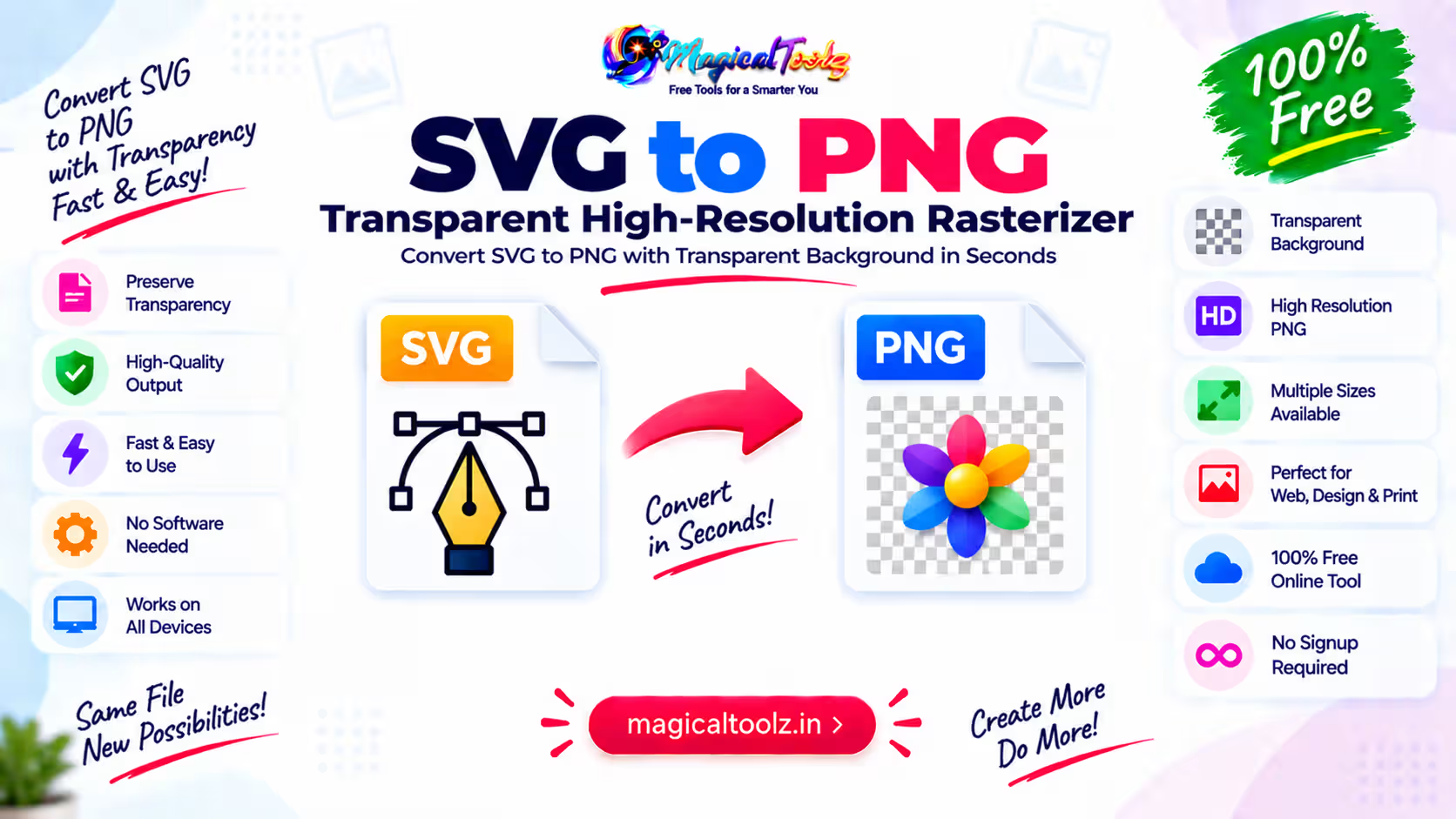
One of the nicest things about PNG is transparency support. That matters a lot when the SVG is a logo, icon, sticker, or cutout that needs to sit on top of another background. If you are converting for that reason, PNG is usually the obvious choice because it preserves the transparent areas in a way most apps understand easily.
This is why people do not ask "How do I make my SVG prettier?" They ask "How do I get a transparent PNG from this SVG?" The actual goal is compatibility plus clean edges. When you need both, PNG is often the least annoying answer.
Little edge details matter more than people think.
ExampleYou built a small icon set in SVG because you wanted the shapes to stay sharp everywhere. Then a client asks for the same icons in a format their website builder accepts without drama. Converting the SVGs to PNG gives them something they can upload quickly, while the transparent background still works as expected.
Why SVG sometimes breaks in ordinary workflows
SVG can carry features that are excellent in a browser but awkward elsewhere. Some software handles embedded styles well. Some does not. Some apps preserve text as editable shapes. Others flatten or ignore it. Some platforms let you upload SVG files. Others reject them outright, usually because they do not want to deal with the security and rendering complexity.
That is why the search phrase "svg file not opening" often leads to conversion advice. The file itself may be valid. The problem is the place where you are trying to use it. A PNG sidesteps that problem by being much simpler to render.
Simple files travel better.
When a PNG is the better destination
PNG makes the most sense when the image is going to be viewed, shared, or uploaded more than it is going to be scaled forever. It works well for screenshots, transparent graphics, web mockups, and assets that need to survive in apps that are not vector-aware. It is also a solid choice if someone else on your team is going to open the file and you do not want to explain how SVG rendering works.
That is a real benefit, by the way. Saving time on explanation is still saving time.
If the file is mostly static and the target dimensions are known, PNG is a comfortable output. If the file needs to stay infinitely scalable for brand work, SVG is still the source to keep.
The quality question is not as dramatic as people make it sound
People sometimes worry that converting SVG to PNG automatically ruins the image. That is not quite right. What happens is simpler. The SVG is rendered into pixels at a chosen size, and the PNG preserves those pixels. If you render it large enough for the place it will live, the result can look very clean.
Where you can get into trouble is choosing the wrong output size. Render too small, and the image may look soft when it is stretched later. Render at the size you actually need, and the PNG can look perfectly fine. The important part is planning, not fear.
Sizing matters more than drama.
Watch for thisOnce SVG becomes PNG, it is no longer infinitely scalable. If you need the file to stay sharp at many sizes, keep the SVG as your master and only convert a copy for the place that needs PNG.
Why people keep searching for "convert SVG to PNG online"
That search phrase usually comes from a real deadline. Someone needs a logo for a page, a file for a form upload, or a quick export for a document. They are not trying to redesign the asset. They just need a version that the next app will accept without arguing.
This is the broader pattern behind a lot of file conversion searches. People are not attached to the format in an abstract way. They are attached to getting the job done. SVG to PNG exists because not every environment is ready to handle vectors comfortably.
You are not being old-fashioned. You are being practical.
Keep both versions when you can
If you work with graphics often, it is smart to keep the SVG source and the PNG export together. The SVG stays useful for future edits, scaling, and color changes. The PNG stays useful for uploads, previews, documents, and tools that want a pixel-based image.
That two-file habit saves a lot of repeat work. It also prevents the awkward moment where someone asks for a larger version and you realize you only have a tiny raster file left. Keeping the source is cheap. Rebuilding it later is not.
Save the vector. Use the raster.
A small mental shortcut
If the next step needs flexibility, keep SVG. If the next step needs compatibility, use PNG. That one line covers a huge amount of real-world behavior and keeps you from overthinking every image. It is not a perfect rule, but it is a very useful one.
Once you look at it that way, the conversion stops feeling mysterious. You are just choosing the file shape that matches the next app, the next screen, or the next person who needs to open it.
Frequently Asked Questions
Why convert SVG to PNG at all?
Usually because the next app or platform prefers a regular image file and handles PNG more reliably.
Does SVG keep better quality than PNG?
SVG stays scalable because it is vector-based. PNG is fixed-size pixels, so the better choice depends on the job.
Can PNG have transparency?
Yes, PNG supports transparency.
Is SVG always better than PNG?
No. SVG is better for scaling and editable vector work. PNG is often better for compatibility.
Will SVG to PNG make the image blurry?
Not if you export at a sensible size for the place where you will use it.
Why does my SVG open in one app but not another?
Some apps support SVG rendering fully, while others only handle simple image formats like PNG.
 Magical Toolz AI Support
Comments (0)
Use comments for article-specific feedback. Use the contact page for bugs and support requests.
Leave a Comment
No comments yet. Be the first to share something useful.