


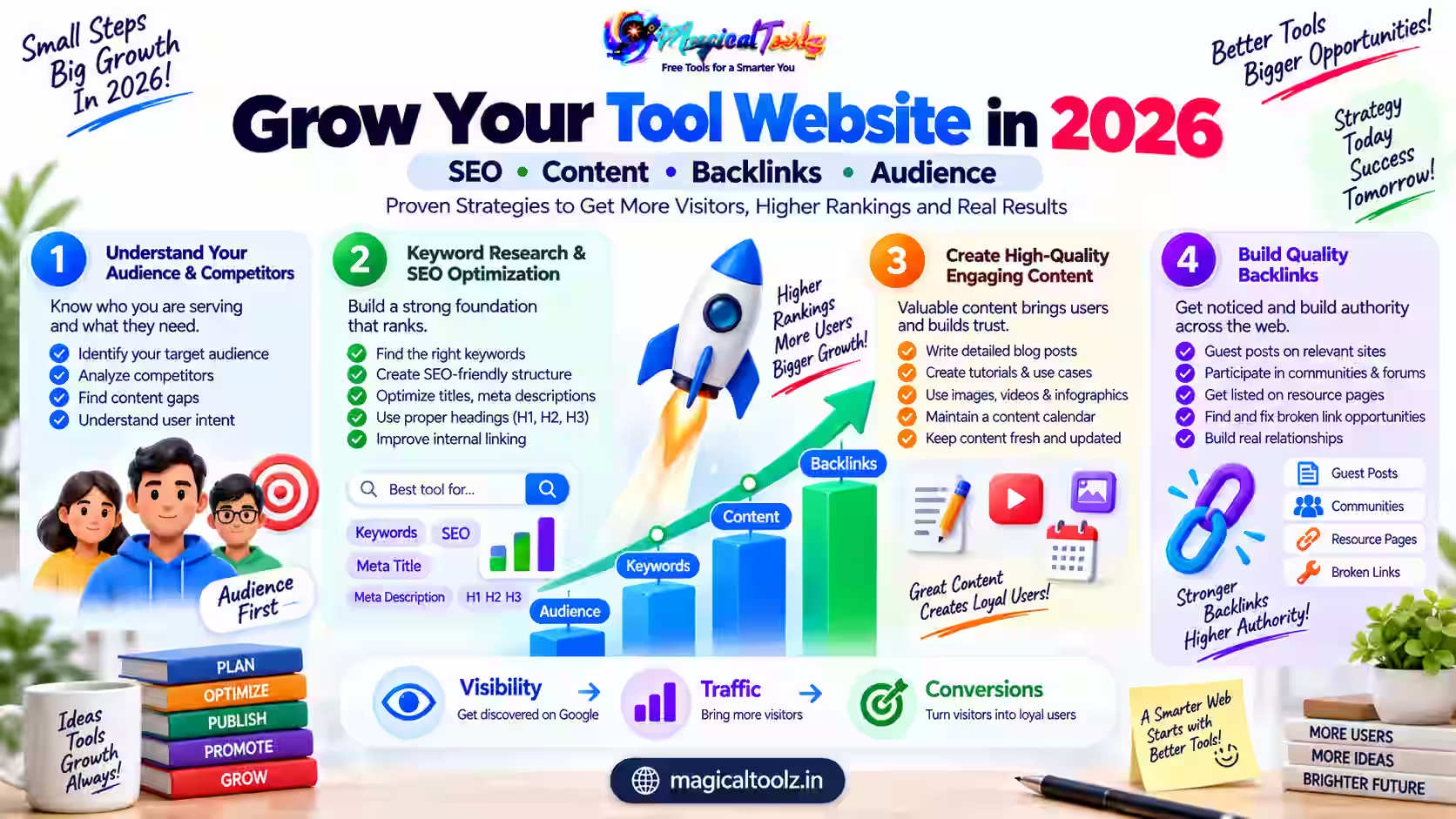
A tool website grows when visitors can solve a real problem quickly and trust the result. Search traffic may help people discover the site, but rankings cannot rescue a converter that fails, a calculator that hides its assumptions, or a page filled with claims that the interface does not support.
The strongest plan starts with the product. Choose a narrow group of jobs, make each workflow dependable, explain its limits, and connect related tools in a way that helps the visitor take the next step. Then use search data and user feedback to decide what deserves improvement.
Start with usefulness, not a publishing targetGoogle says its systems aim to prioritize helpful, reliable, people-first information. It also states that Google has no preferred word count. Publish a page because it completes a user task, not because a calendar says another keyword variation is due.
The growth system at a glance
| Area | Practical guidance |
| Product reliability | Test uploads, controls, errors, downloads, mobile layout, and realistic limits before promoting a tool. |
| Search intent | Match one page to one clear job. The title, heading, interface, and guide should answer the same need. |
| Helpful content | Show exact steps, boundaries, examples, troubleshooting, privacy handling, and the result a user should expect. |
| Technical discovery | Use crawlable links, unique titles, canonical URLs, indexable HTML, a current sitemap, and useful image alternative text. |
| Measurement | Review Search Console queries, page indexing, errors, real tool completions, and user reports instead of chasing one vanity metric. |
| Maintenance | Retest active tools, update changed limits, repair broken links, consolidate duplicates, and remove unsupported promises. |
A practical 90-day plan
- List every public tool and mark whether its complete workflow currently passes.
- Group tools by the user job they solve, not only by file extension or keyword.
- Choose ten high-value pages with clear demand and working products.
- Rewrite each page so its title, description, interface, help content, and FAQs agree.
- Add descriptive links between genuinely related tools and guides.
- Submit a clean sitemap and inspect representative URLs in Search Console.
- Measure successful outputs, errors, slow steps, and repeated support questions.
- Improve the weakest high-value workflow before adding another near-duplicate page.
- Review security, privacy, ad placement, accessibility, and mobile usability.
- At day 90, keep what helps users and revise or retire what does not.
Build around completed user tasks
A page view is not the same as a solved problem. Define a completion event for each utility, such as a validated download, copied result, or successful calculation. Track failures separately so a high-traffic broken tool does not look healthy.
Use realistic samples during QA. Test a small file, a large allowed file, a wrong extension, corrupted input, mobile controls, cancellation, reset, and download. When processing changes document structure or removes metadata, disclose that before the user starts.
Create a focused site structure
A useful category groups related jobs and gives visitors a clear path. A PDF category can connect compression, cropping, page management, and conversion without pretending every operation is interchangeable. Avoid dozens of doorway pages that differ only by a number or a minor wording change.
Google Search Essentials recommends using terms people use, placing them in prominent locations, and making links crawlable. Read the current Google Search Essentials and SEO Starter Guide.
Write content that supports the interface
A tool guide should answer the question before telling a long story. State what the tool does, what it accepts, where processing occurs, what changes in the output, and what it cannot do. Follow with steps, an example, quality checks, common errors, and alternatives.
Do not add fictional reviews, invented usage numbers, fake experiments, or an API that does not exist. Google recommends original value and accurate sourcing in its guidance on helpful, reliable, people-first content.
Measure the journey, not only impressions
Search Console shows how Google discovers and displays pages. Product analytics should answer different questions: did users reach the tool, start the job, finish it, and download the result? Keep analytics privacy-aware and do not collect file contents merely to count conversions.
Segment issues by device and browser. A control that works on desktop may be inaccessible on a phone. A modern image encoder may be missing in one browser. Useful reporting separates a compatibility limit from a server failure.
Earn mentions without manufacturing links
Make something worth citing: a precise calculator, a clear compatibility table, an honest benchmark with a documented method, or a guide that resolves an awkward edge case. Tell relevant communities about it when it genuinely answers their question.
Do not buy bulk links, automate forum spam, or exchange links at scale. Those tactics create risk without improving the product. A smaller number of relevant editorial mentions is more meaningful than a large list of pages created only to host a backlink.
Treat trust and maintenance as features
Show who operates the site, how to contact support, what data leaves the device, and which limits apply. Keep policy pages reachable. Ads should not imitate download buttons or block the primary workflow.
Set a review date for every important tool. When a browser API, provider, pricing rule, or file limit changes, update the interface and article together. A visible date is useful only when the content received a real review.
Common problems and fixes
| Problem | What to check |
| Traffic rises but tool use does not | Check whether the query intent matches the tool, whether the interface loads, and whether visitors can understand the first step. |
| Pages are indexed but rarely clicked | Review titles and descriptions for clarity rather than hype, then compare them with the actual page promise. |
| Many similar pages compete | Consolidate overlapping pages into one stronger resource and redirect obsolete duplicates where appropriate. |
| Users abandon large files | Measure validation and processing errors, disclose limits early, and provide safe alternatives. |
| A page loses traffic | Check indexing, technical changes, intent, accuracy, competitors, and product quality before adding more words. |
Final checklist
- The tool completes its advertised task.
- The title and interface answer the same intent.
- Limits and processing method are explicit.
- Errors explain what the user can do next.
- Mobile and keyboard workflows have been checked.
- Internal links are relevant and crawlable.
- The page offers original practical value.
- Ads do not obscure controls or downloads.
- Search and product outcomes are measured separately.
- A real maintenance owner and review date exist.
Frequently asked questions
How many tools should a new site launch with?
There is no magic number. A small set of dependable tools with complete help content is safer than a large catalog of unfinished pages.
Does Google require long articles?
No. Google explicitly says it has no preferred word count. Cover the task completely without padding.
Should every keyword get a separate page?
No. Create a separate page only when the user need and resulting workflow are genuinely different.
Do backlinks still matter?
Relevant editorial links can help discovery and trust, but manufactured links and spam are risky. Build useful assets people choose to reference.
How often should tools be retested?
Retest important workflows after code changes, dependency updates, browser changes, and on a regular review schedule.
Can AI write every guide automatically?
Automation can assist, but facts, product behavior, sources, wording, and final usefulness need responsible review.
Should inactive tools remain indexed?
A page that cannot complete its promised task should be repaired, redirected, clearly reframed, or removed from search visibility.
What should be measured first?
Measure successful task completion and major errors, then use search data to understand discovery.
Grow by solving the next important problem well
A sustainable tool site is a maintained product library, not a pile of landing pages. Reliability, honest boundaries, focused explanations, and sensible navigation give visitors a reason to return and recommend the site.
Use search data to find unmet needs, but let real user outcomes decide what you build. One repaired workflow can create more value than ten new pages that repeat the same promise.


 Magical Toolz AI Support
Comments (0)
Use comments for article-specific feedback. Use the contact page for bugs and support requests.
Leave a Comment
No comments yet. Be the first to share something useful.