

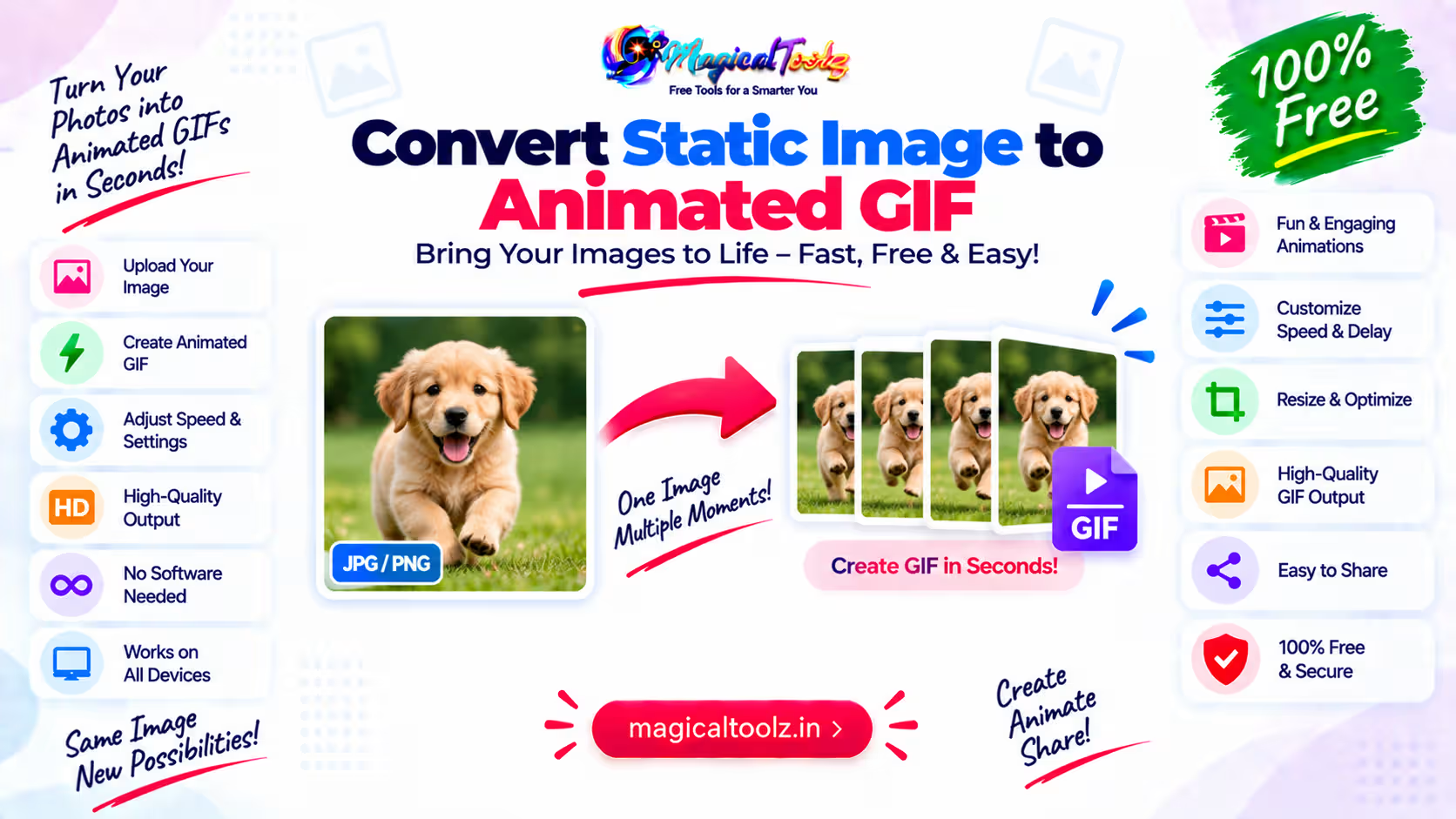
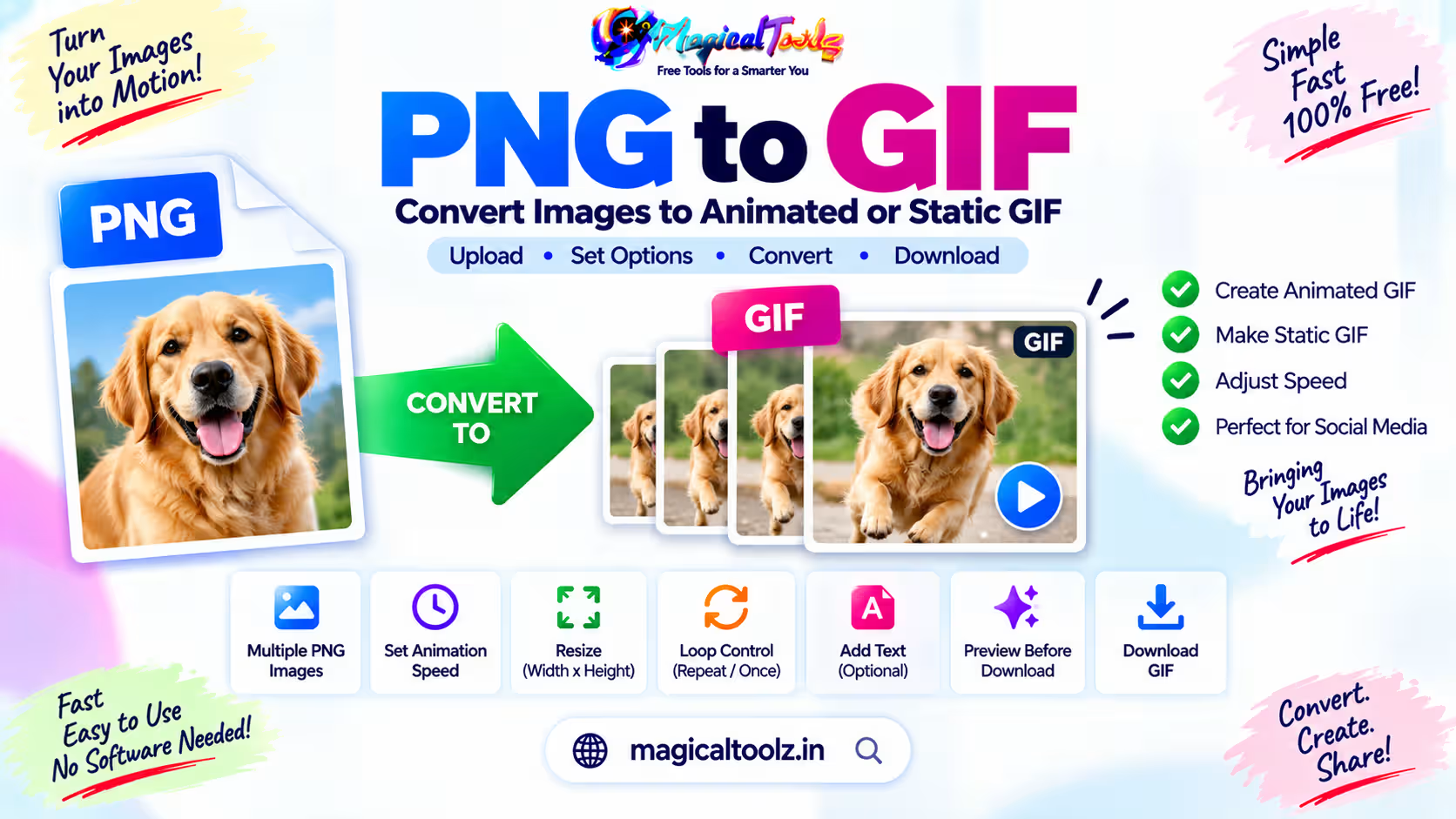
A single image saved as GIF is still a single image. To make it move, create two or more frames that differ, then set how long each frame stays on screen.
You can make those frames by moving text, zooming the picture, revealing part of it, changing color, drawing an object in stages or combining several photos. Duplicating the same frame ten times only increases the file without creating visible motion.
Plan a short action
Write the motion in one sentence before opening an editor. Examples:
- The product moves from left to center and stops.
- The arrow appears, points at the button, then disappears.
- The photo slowly zooms from 100 percent to 112 percent.
- Three words appear one at a time.
- The before image changes to the after image.
Short actions are easier to read and keep small. A GIF is a poor container for a long video, spoken explanation or detailed screen recording.
Create frames from the still image
Make a copy of the source for each stage of the motion. Keep every frame at the same width and height. If one frame has different dimensions, an editor may crop, stretch or position it unexpectedly.
For a simple zoom, create several versions at gradually larger scale and crop each one back to the same canvas. For moving text, keep the photo fixed and shift the text a small distance in every frame. For a reveal, use a mask that exposes more of the subject each time.
Use enough frames to make the change readable, but do not add frames that look the same. Six clear frames can work better than 30 nearly identical ones.
Set frame delay and total duration
Frame delay controls speed. A delay of 100 milliseconds means that frame stays visible for one tenth of a second. Ten frames at 100 milliseconds each create a one-second loop.
Give viewers enough time to read text. A title may need 800 milliseconds or more, while a small movement can use shorter delays. Avoid rapid flashing. If the animation contains important instructions, provide the same information as normal text nearby.
Use a pause at the end
A loop often feels rushed when the last frame immediately jumps back to the first. Hold the final frame longer so the viewer can understand the result before the sequence restarts.
Choose loop behavior
Most animated GIFs loop forever, but an editor may let you play once or repeat a fixed number of times. An endless loop suits a small decorative motion. A one-time instructional sequence can be easy to miss if someone looks away.
For important controls or explanations, use a video player or an interactive component with pause and replay options. GIF does not provide built-in playback controls.
Expect a limited color palette
GIF stores indexed color and a frame palette can contain up to 256 colors. Full-color photographs may show banding or dither patterns after conversion. MDN's image format guide explains GIF's indexed color, simple transparency and animation support.
Flat graphics, icons and short text animations usually fit GIF better than detailed photography. If a photo animation looks rough or becomes huge, compare animated WebP, AVIF, APNG or a short video, based on destination support.
Transparency is limited
GIF transparency is not the smooth alpha transparency available in PNG. A palette entry can be transparent, but soft semi-transparent edges are not represented in the same way. Logos and cutouts can show a light or dark fringe when placed on a different background.
Design against the final background where possible. Inspect curved edges, shadows and small text after export.
Keep the file size under control
Width, height, frame count, motion and color detail all affect GIF size. Start by using the smallest dimensions that remain clear in the destination.
- Crop empty space around the subject.
- Resize to the actual display dimensions.
- Remove duplicate or unnecessary frames.
- Use a lower frame rate when the action still reads clearly.
- Reduce colors carefully.
- Limit the animated area when the editor supports frame optimization.
- Compare GIF with a short MP4 or WebM for photo-heavy motion.
Do not judge by file size alone. Check whether the final motion, text and colors still communicate the point.
A practical frame example
Suppose you want a red arrow to point at a button in a screenshot. Keep the screenshot fixed at 900 by 600 pixels. Create six frames:
- No arrow, 500 milliseconds.
- Arrow at 40 percent opacity, 100 milliseconds.
- Arrow at 70 percent opacity, 100 milliseconds.
- Full arrow, 700 milliseconds.
- Arrow at 50 percent opacity, 100 milliseconds.
- No arrow, 500 milliseconds.
This gives the viewer time to see the screenshot, notice the pointer and locate the button. If the button label matters, repeat it as real text near the animation.
Export and inspect the real file
- Open the GIF in a browser and a second image viewer.
- Watch at least three complete loops.
- Check the first-to-last jump.
- Read every text frame at normal size.
- Look for flashing, color banding and edge halos.
- Confirm the dimensions and file size.
- Test it on a phone.
- Keep the source image and editable frame project.
Common GIF problems
| Problem | What to change |
| The GIF does not move | Confirm it contains different frames and was exported as an animated GIF. |
| Motion is too fast | Increase frame delay, especially on text and the final frame. |
| The file is huge | Reduce dimensions, frames, color detail or use video. |
| Colors look rough | Adjust palette and dithering, or choose a format better suited to photographs. |
| Edges have a halo | Check transparency against the final background. |
| The loop jumps | Make the last frame connect to the first or add a clear pause. |
Static image to GIF questions
Can one JPG become an animated GIF automatically?
An editor can generate changed frames with zoom, pan, text or effects. Saving one unchanged frame as GIF will not create motion.
How many frames should I use?
Use the fewest frames that make the action clear. More frames can smooth motion but increase size.
Can GIF include sound?
No. Use a video format when audio matters.
Why do photo colors look worse?
GIF uses a limited indexed palette. Detailed photographs often need dithering and may suit another format better.
Is GIF good for long tutorials?
No. A video with controls, captions and efficient compression is usually easier to use.
Should an animation loop forever?
Only when repeated motion is useful and not distracting. Important instructions need a replayable or controllable alternative.
 Magical Toolz AI Support
Comments (0)
Use comments for article-specific feedback. Use the contact page for bugs and support requests.
Leave a Comment
No comments yet. Be the first to share something useful.