
Compress PDF To 300kb
About Compress PDF To 300kb
What does Compress PDF To 300kb do?
Compress PDF To 300kb online utility. Fast, private, and mobile-friendly workflow.
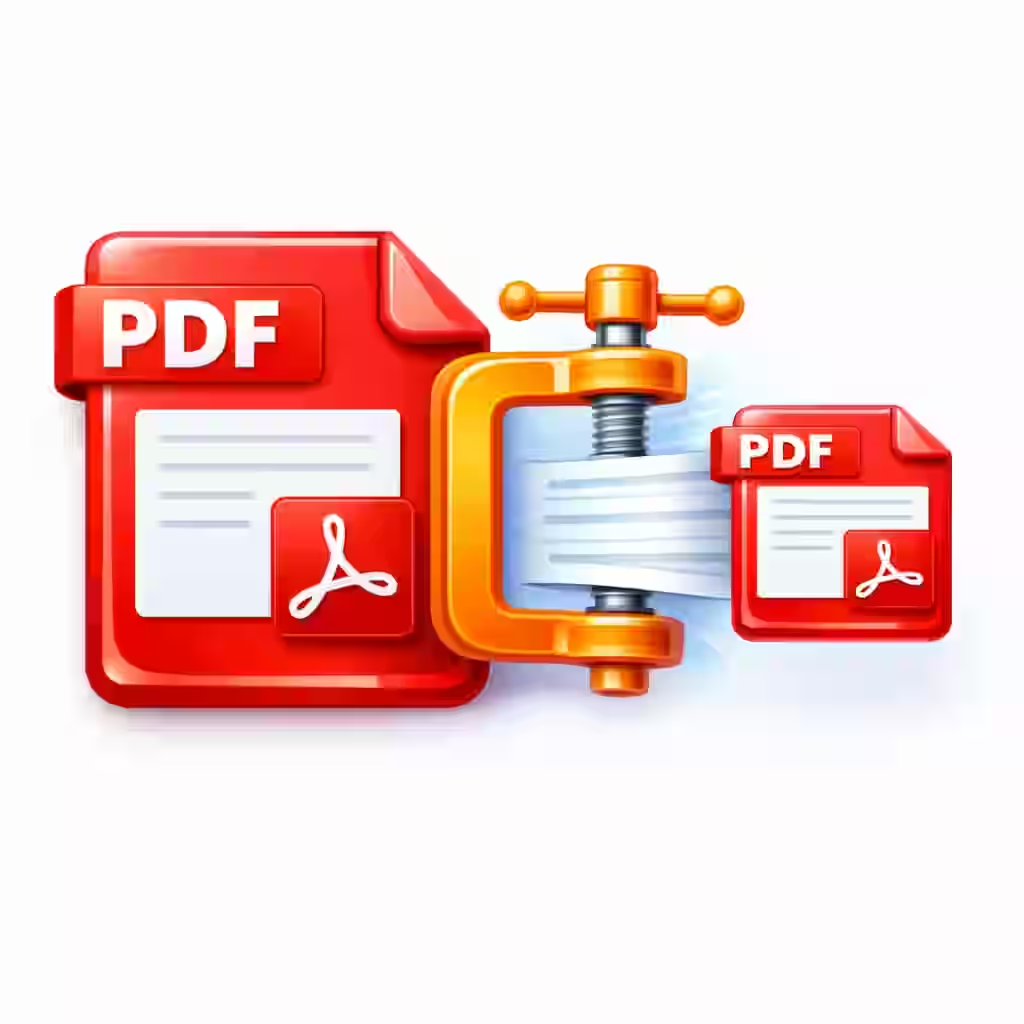
Reduce your PDF to about 300KB without losing clarity. Upload your file and the tool compresses it to a manageable 300KB — great for sharing, uploads, and email attachments. Fast, simple, and free with no signup required.
What it does
Compresses your uploaded PDF down to approximately 300KB while keeping quality.
How to use
- Upload your PDF file.
- Compress it to 300KB.
- Download the smaller PDF.
Key features
- Targets a 300KB size
- Keeps quality strong
- Great for sharing and email
- Free, no signup, quick download
When to use it
- Meeting a 300KB upload limit
- Emailing a document
- Sharing a clear PDF
Tips for best results
- Text-heavy PDFs compress easily.
- Image-heavy PDFs keep more quality here.
- Remove extra pages before compressing.
FAQ: Compress PDF to 300KB
What size does it target? About 300KB.
Will quality stay strong? Yes — 300KB keeps quality strong.
Is my file safe? It is processed for your download only.
Is it free? Yes, free with no signup.
Does it work on mobile? Yes, it works in any browser.
Frequently Asked Questions
Do I need a subscription to use Compress PDF To 300kb?
Yes, Compress PDF To 300kb is free to use on Magical Toolz. No subscription is required for this tool.
What does Compress PDF To 300kb do?
Compress PDF To 300kb online utility. Fast, private, and mobile-friendly workflow.
Do I need to install anything to use Compress PDF To 300kb?
No installation needed. Compress PDF To 300kb works entirely in your web browser on desktop, tablet, or mobile.
Is Compress PDF To 300kb safe to use?
Yes. Compress PDF To 300kb is served over HTTPS on Magical Toolz. Wherever the workflow allows, files are processed locally inside your browser instead of being uploaded to our servers, so your input stays on your device.
Do I need to create an account to use Compress PDF To 300kb?
No. Compress PDF To 300kb is a free online tool on Magical Toolz that does not require signup, login, or email verification. Open the page and use it immediately.
Does Compress PDF To 300kb work on mobile?
Yes. Compress PDF To 300kb is fully responsive and works on Android phones, iPhones, tablets, and desktops — using any modern browser such as Chrome, Safari, Firefox, or Edge.
Try other tools
Need something else? Browse our 400+ free online tools — no signup, all browser-based.
Discussion
No comments yet. Be the first to comment!